
Clear daily targets everyone can see
Set company goals for online time, active time, productive time and activity rate. BeeWorkforce shows how many days each person met them.
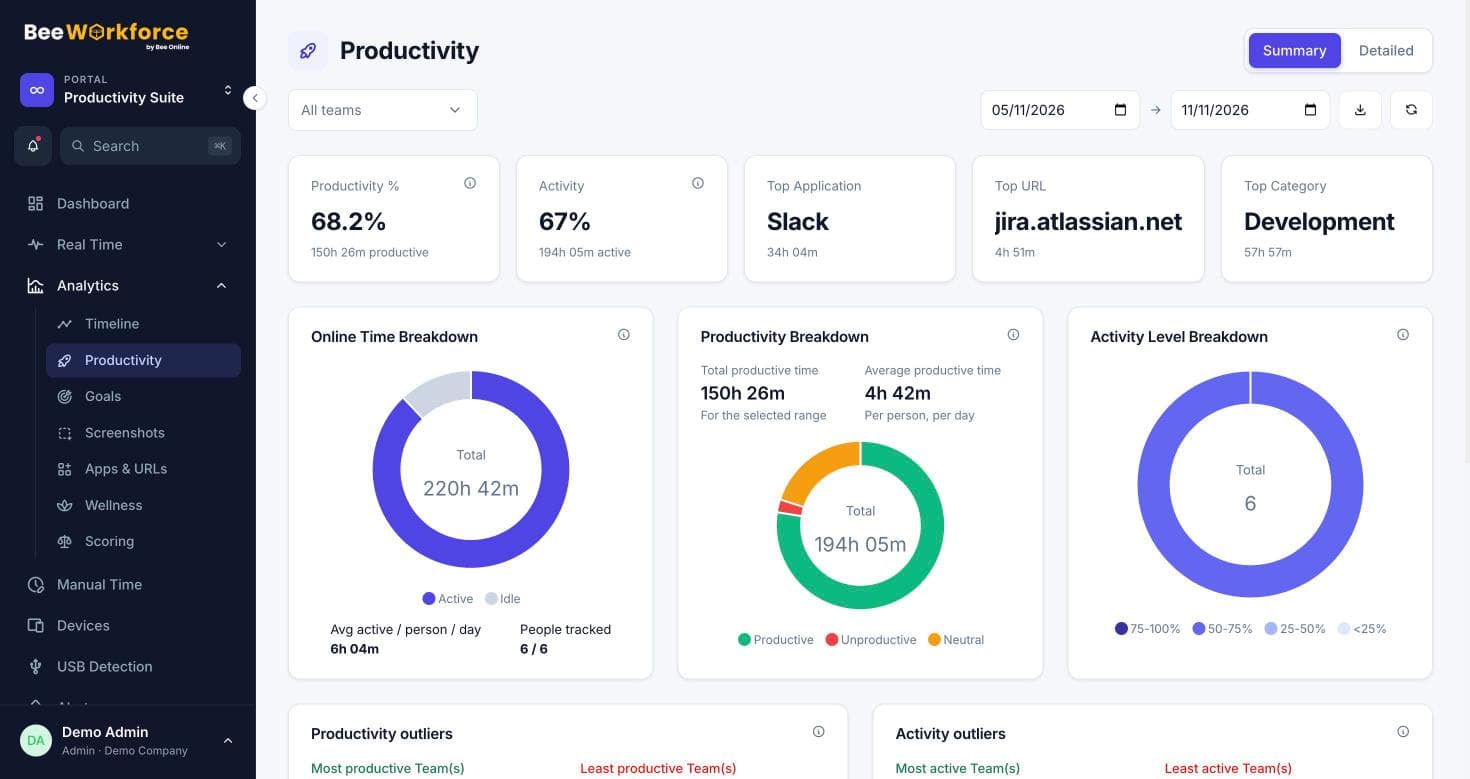
Time goals
Targets for online, active and productive minutes per day.
Activity goal
A minimum activity rate for the working day.
Days met
How many tracked days each person met each goal, and all goals together.
Simple to set, easy to read
Admins switch goals on and choose the targets that matter. Only active goals are shown and counted.
- Turn individual goals on or off
- Company-wide targets
- Range filter for any period
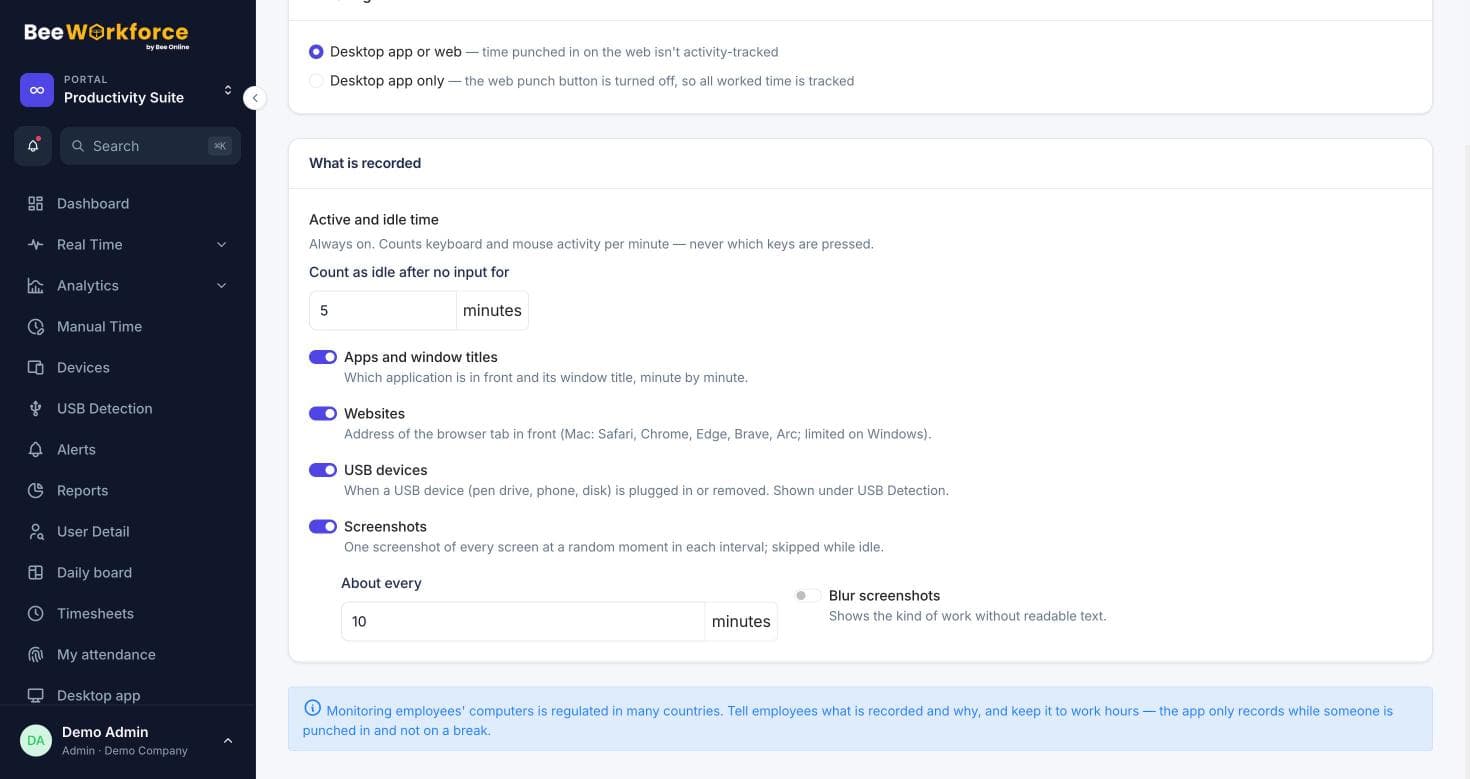
Part of the bigger picture
Goal results feed into the optional productivity score alongside punctuality and attendance.
- Per-person goal results
- Included in scoring
- Export to CSV
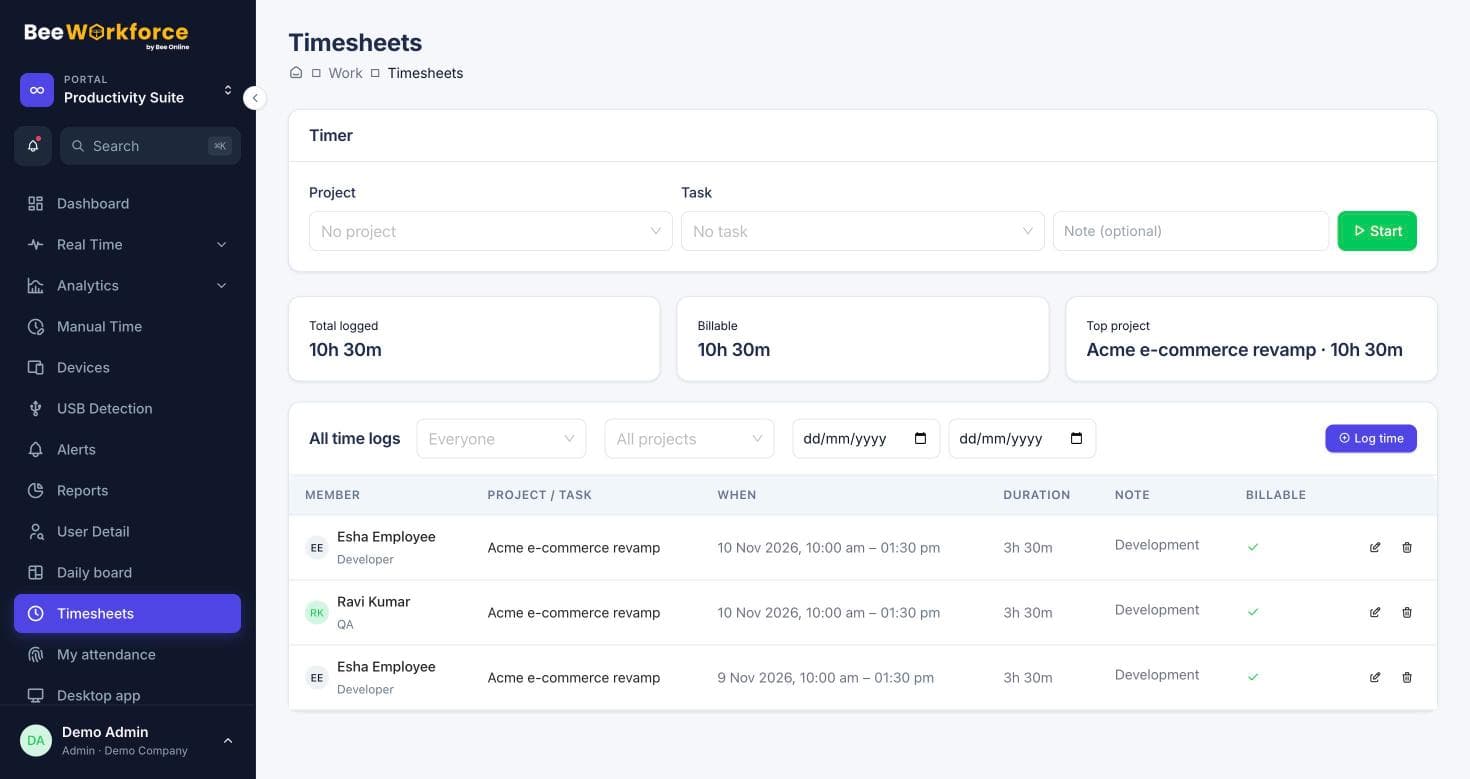
How teams use goals
- Set expectations for remote work
- Recognise consistent performers
- Spot people who need support
- Track progress after onboarding
Frequently asked questions
Can goals differ by team?
Goals are set company-wide today. Team-specific productivity rules still apply to how productive time is counted.
Who can change goals?
Admins.
Do employees see their goals?
Yes, goal results are visible to the person and their managers.
See BeeWorkforce with your own team
Book a 30-minute walkthrough. We'll set it up around how your team works and answer your questions.