
Know who has room, and who's stretched
Use working-time, goal and project-hour data to balance workloads today. Dedicated capacity planning is in development.
What gets in the way
Hidden overload
Some people are consistently overworked while others have spare time.
Hiring by guesswork
Decisions to hire or rebalance are made without workload data.
Projects slip
Work is assigned without seeing current commitments.
Workload signals you can use today
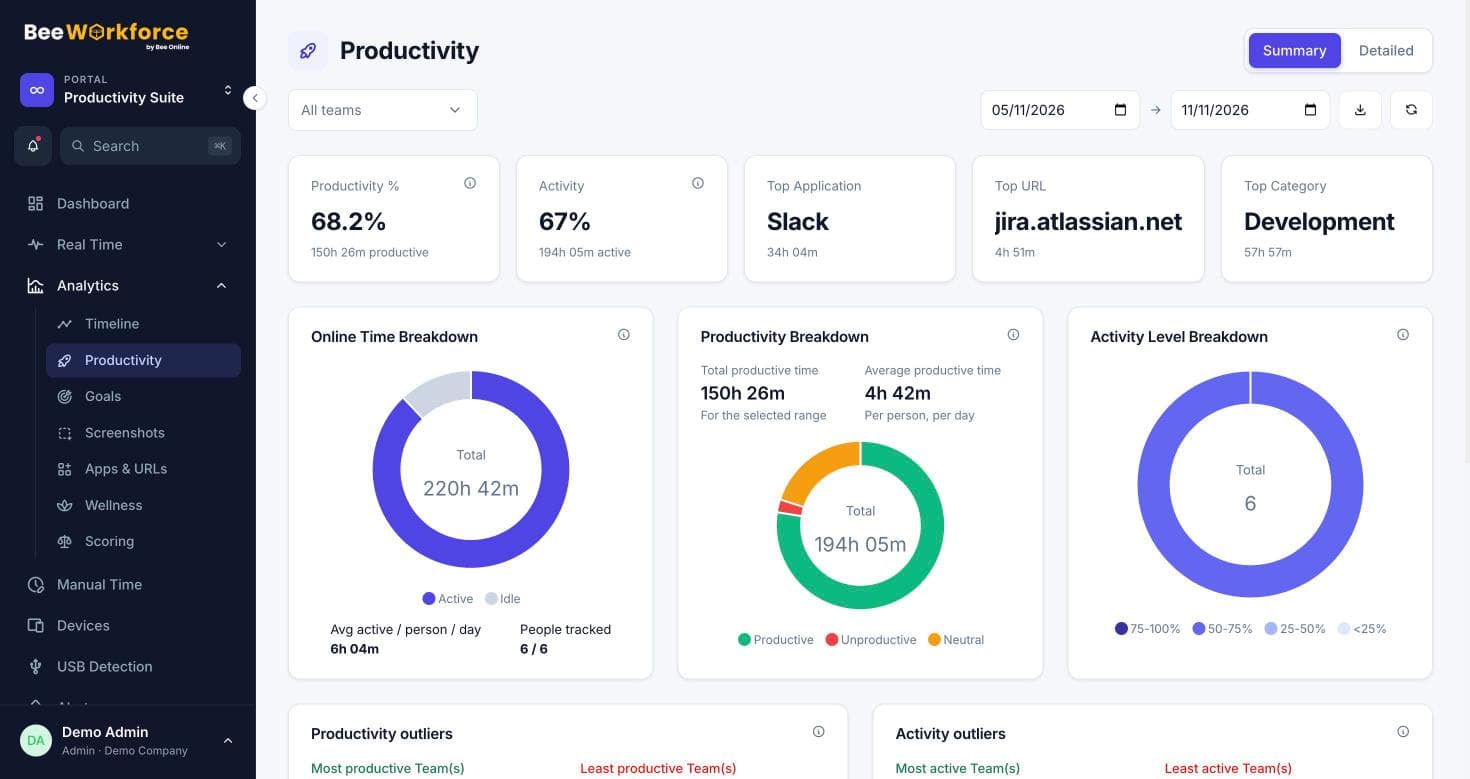
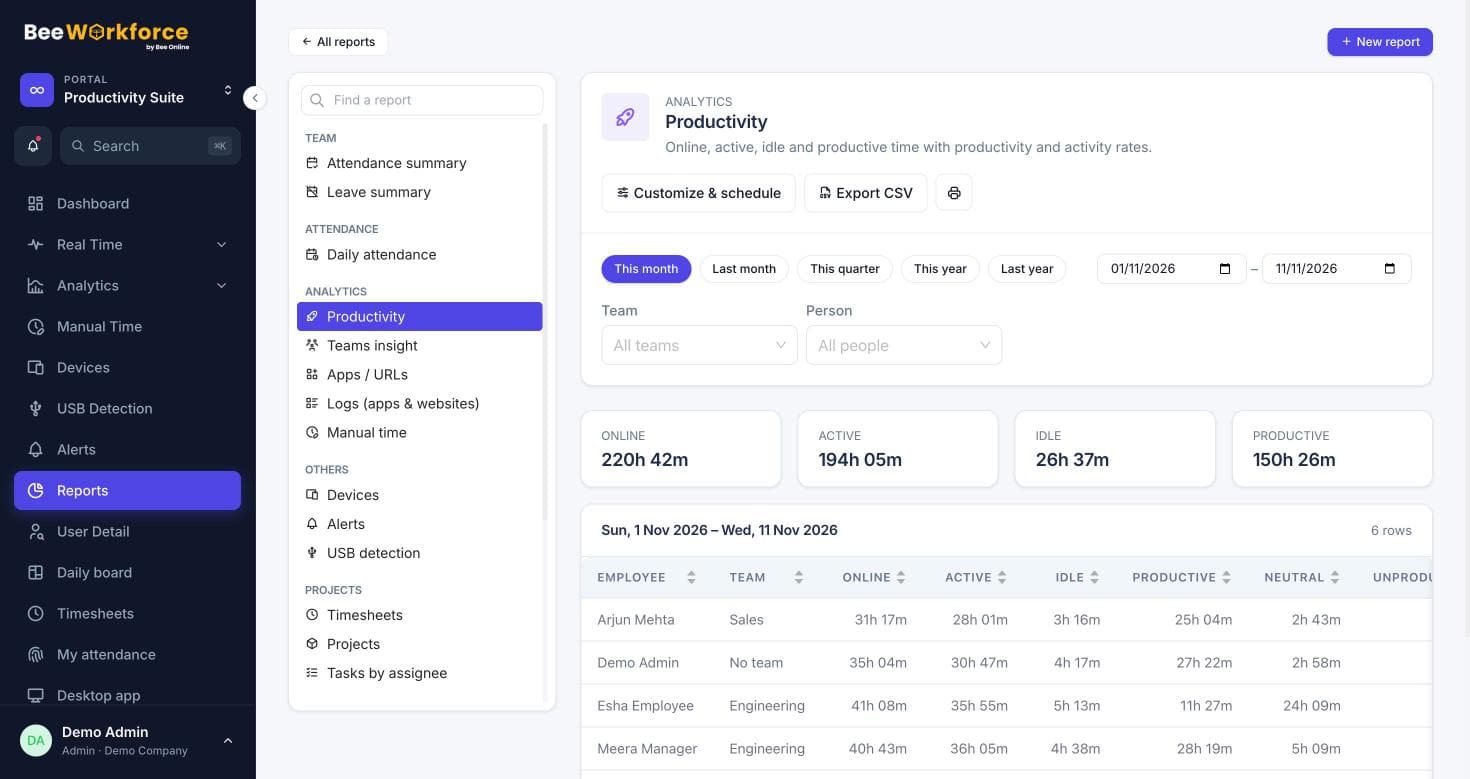
The wellness view shows who works above or below the limits you set. Goals show who meets their targets. Timesheets and project reports show where hours go.
- Overworked and underused thresholds
- Goal attainment per person
- Hours per project and team
Dedicated capacity planning
Planned capacity, forecasts against demand and team-level availability views are in development.
- Capacity vs demand: coming soon
- Availability forecasts: coming soon
Features that help
Wellness
See who is overworked or underused against limits you set.
Goals
Daily targets for online, active and productive time, with who met them.
Timesheets
Log time on projects and tasks with a timer or manual entries, and send it to Jira.
Projects and tasks
Projects, tasks, milestones and time logs, with Jira import.
Capacity planning
Know who has room for more work. In development.
Frequently asked questions
Is capacity planning available?
Workload visibility (wellness, goals, timesheets and project hours) is available now. Dedicated capacity planning is coming soon.
How are overworked people identified?
You set daily working-time limits; the wellness view lists who is consistently above or below them.
Can I see workload by team?
Yes. Analytics and reports can be filtered by team.
See BeeWorkforce with your own team
Book a 30-minute walkthrough. We'll set it up around how your team works and answer your questions.