
Is it working? Check the trend
Work trends show how productivity, activity and online time move over time for the company, each team and each person.
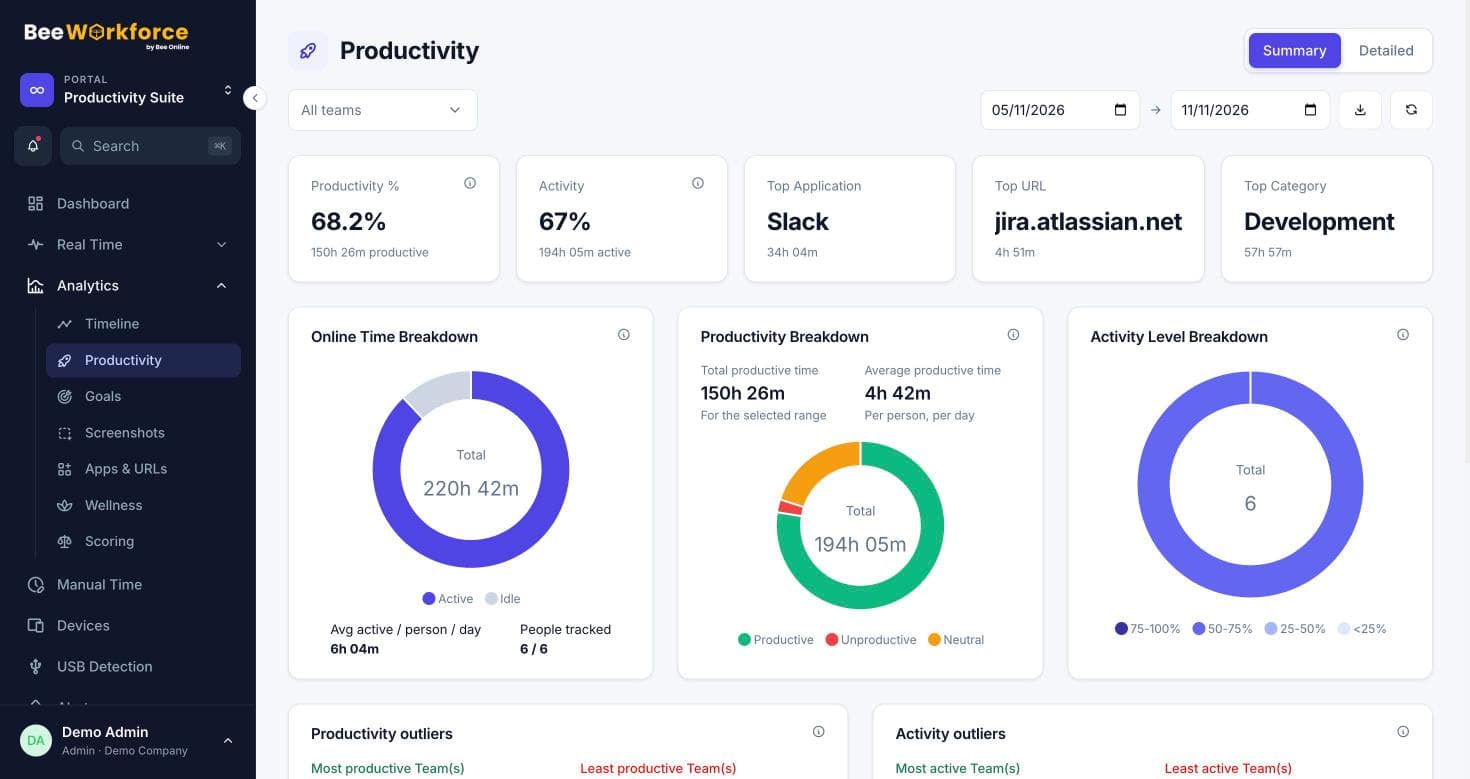
Daily and weekly trends
Productivity and activity over any range.
Team comparison
See which teams improved and which slipped.
Before and after
Compare periods around a change you made.
Measure the effect of changes
Rolled out a new tool or process? Compare the weeks before and after to see the effect on productive time and activity.
- Custom date ranges
- Change from the previous period
- Export trend data
Trends for every level
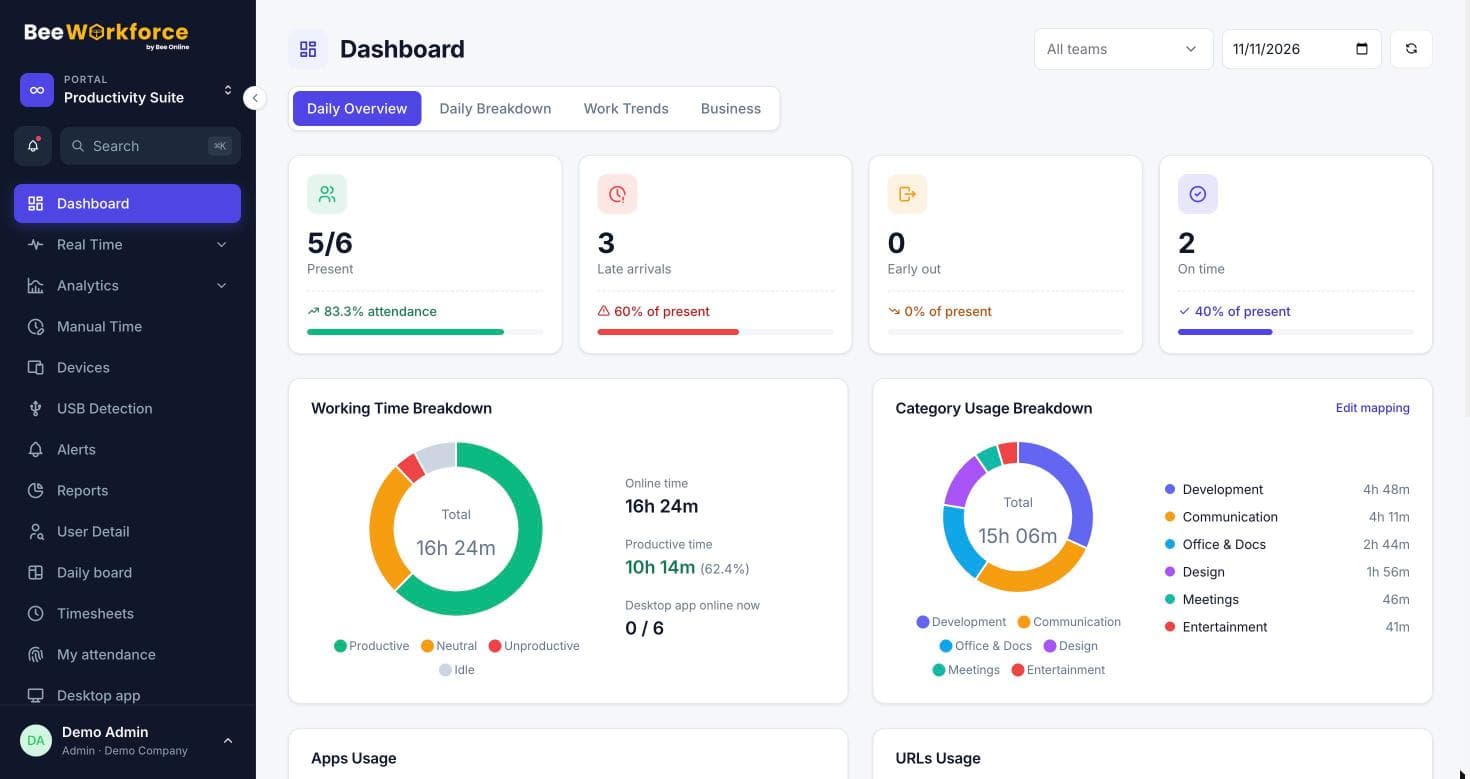
The same trends are available for the company, a team or one person, so conversations stay grounded in the same numbers.
- Company, team and person views
- Wellness trend
- Goal attainment over time
How teams use roi and productivity trends
- Check the effect of a new tool
- Track productivity after a hiring wave
- Report quarterly progress
- Spot seasonal patterns
Frequently asked questions
Does BeeWorkforce calculate financial ROI?
It shows productivity and working-time trends. Cost-based ROI calculations are in development (see cost intelligence).
How far back do trends go?
As far as your data retention setting keeps activity data.
Can I export trends?
Yes, as CSV.
See BeeWorkforce with your own team
Book a 30-minute walkthrough. We'll set it up around how your team works and answer your questions.