
Hours you can trust, from punch-in to project
Worked hours come straight from attendance. Project time comes from a timer or manual entries. Both feed reports you can export or email on a schedule.
What gets in the way
Timesheets from memory
End-of-week timesheets are guesses, and everyone fills them in differently.
Billing disputes
Without detail behind the hours, client invoices are hard to defend.
Payroll rework
Overtime and half days are recalculated by hand every month.
Worked time, calculated for you
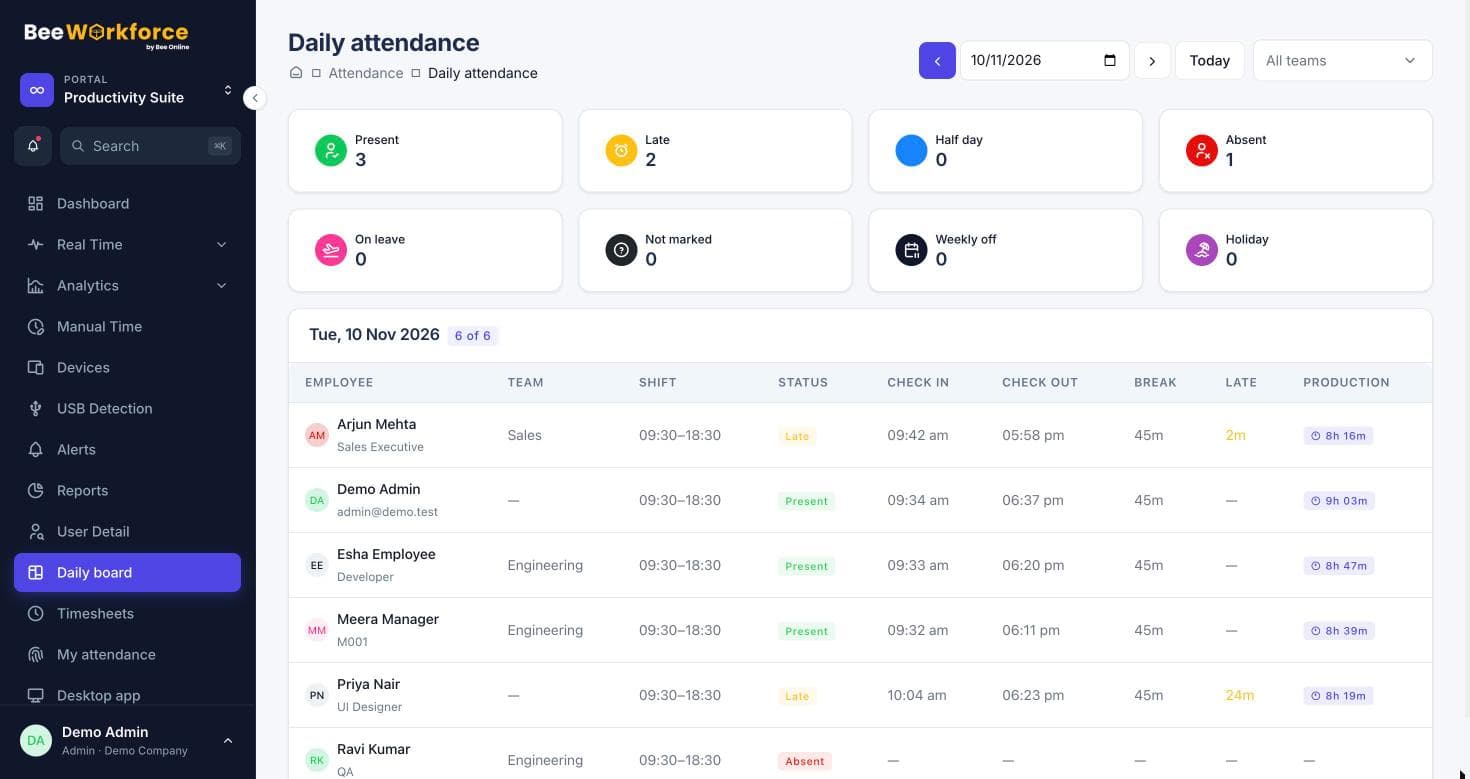
Punches, breaks, shifts, grace periods and half-day rules turn into worked hours automatically, ready for payroll.
- Paid and unpaid break types
- Late marks and half days from shift rules
- Export for payroll systems
Timesheets against projects and tasks
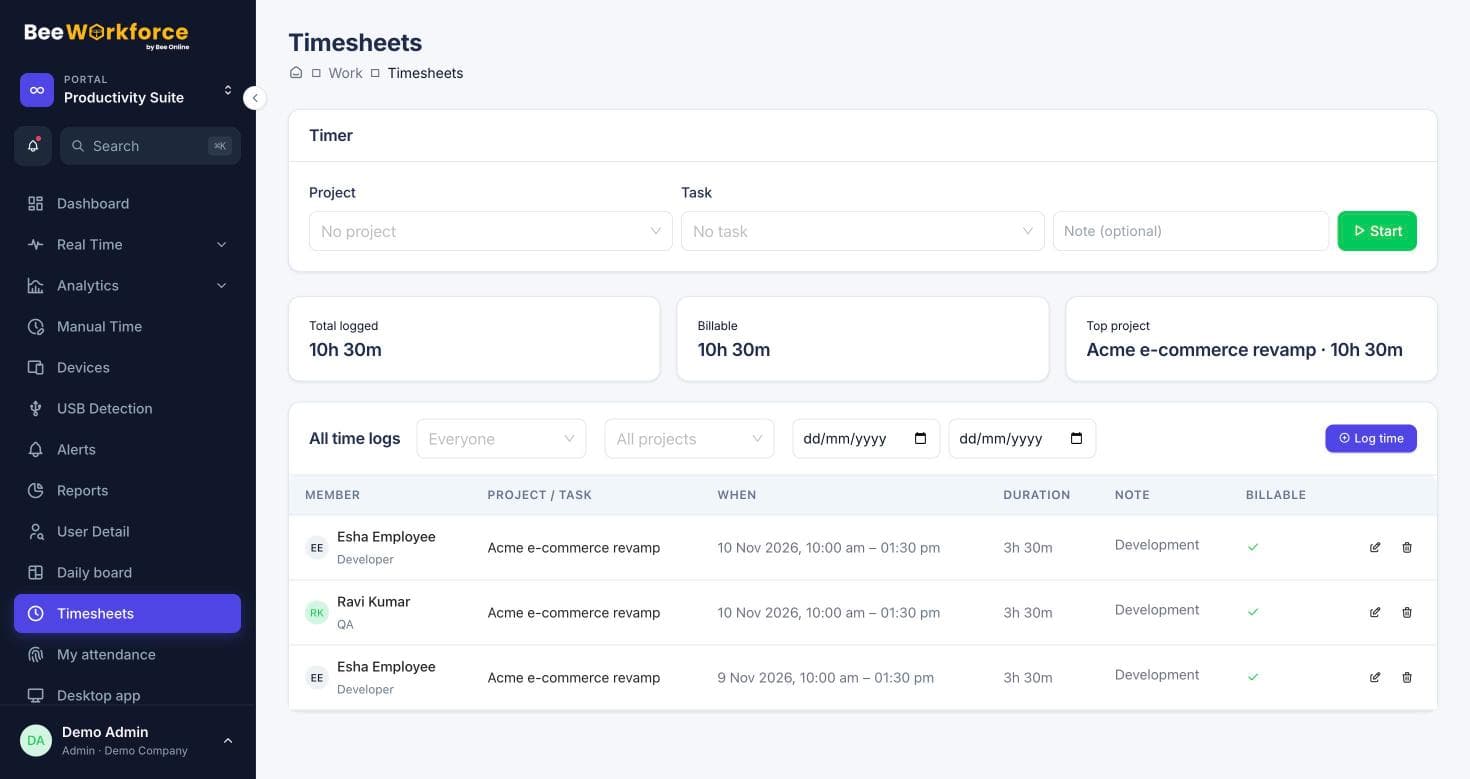
People start a timer on a task or add time manually. Manual time for offline work like meetings or travel goes to a manager for approval.
- Timer and manual entries
- Billable and non-billable time
- Approvals for offline time
Send the right numbers to the right people
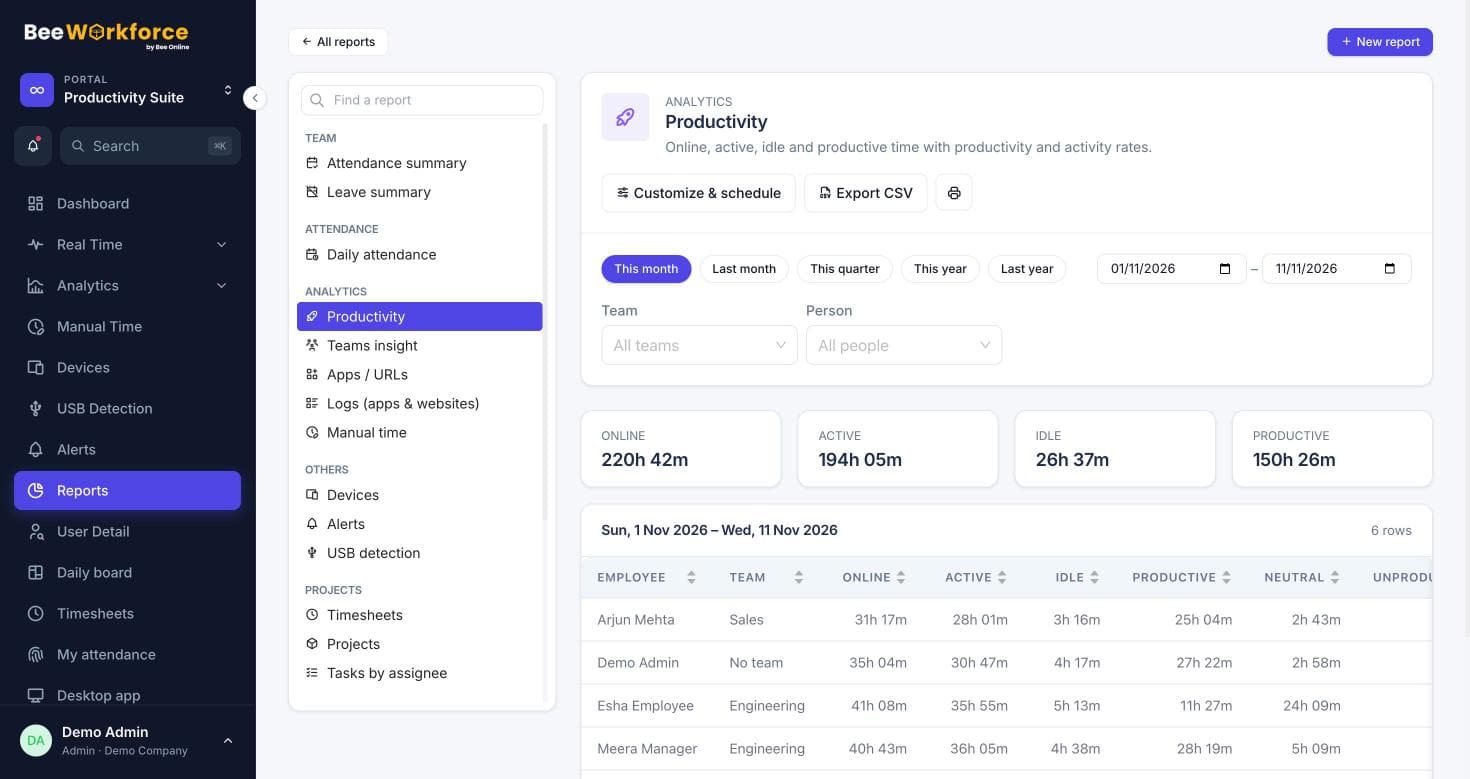
Build a timesheet report with the columns you need and email it as a CSV every week or month.
- Report builder with filters and conditions
- Scheduled CSV emails
- Jira worklog push for issue-level hours
Features that help
Timesheets
Log time on projects and tasks with a timer or manual entries, and send it to Jira.
Attendance insights
Punches, breaks, late marks and worked hours, calculated from your shift rules.
Projects and tasks
Projects, tasks, milestones and time logs, with Jira import.
Reports
Ready-made reports, your own report builder, and scheduled CSV emails.
Activity tracking
Active and idle time, apps and websites, recorded only while people are punched in.
Frequently asked questions
Can time be logged against Jira issues?
Yes. Import Jira projects, log time against the issues, and BeeWorkforce can send those hours back to Jira as worklogs.
Can people add time they spent offline?
Yes. Manual time entries for meetings, calls, travel or offline work go to a manager for approval.
Can we separate billable and non-billable hours?
Yes. Each time entry can be marked billable or non-billable, and reports show both.
See BeeWorkforce with your own team
Book a 30-minute walkthrough. We'll set it up around how your team works and answer your questions.