
Know your real software footprint
See which applications and websites teams rely on, how many people use each one, and which computers are running the desktop app.
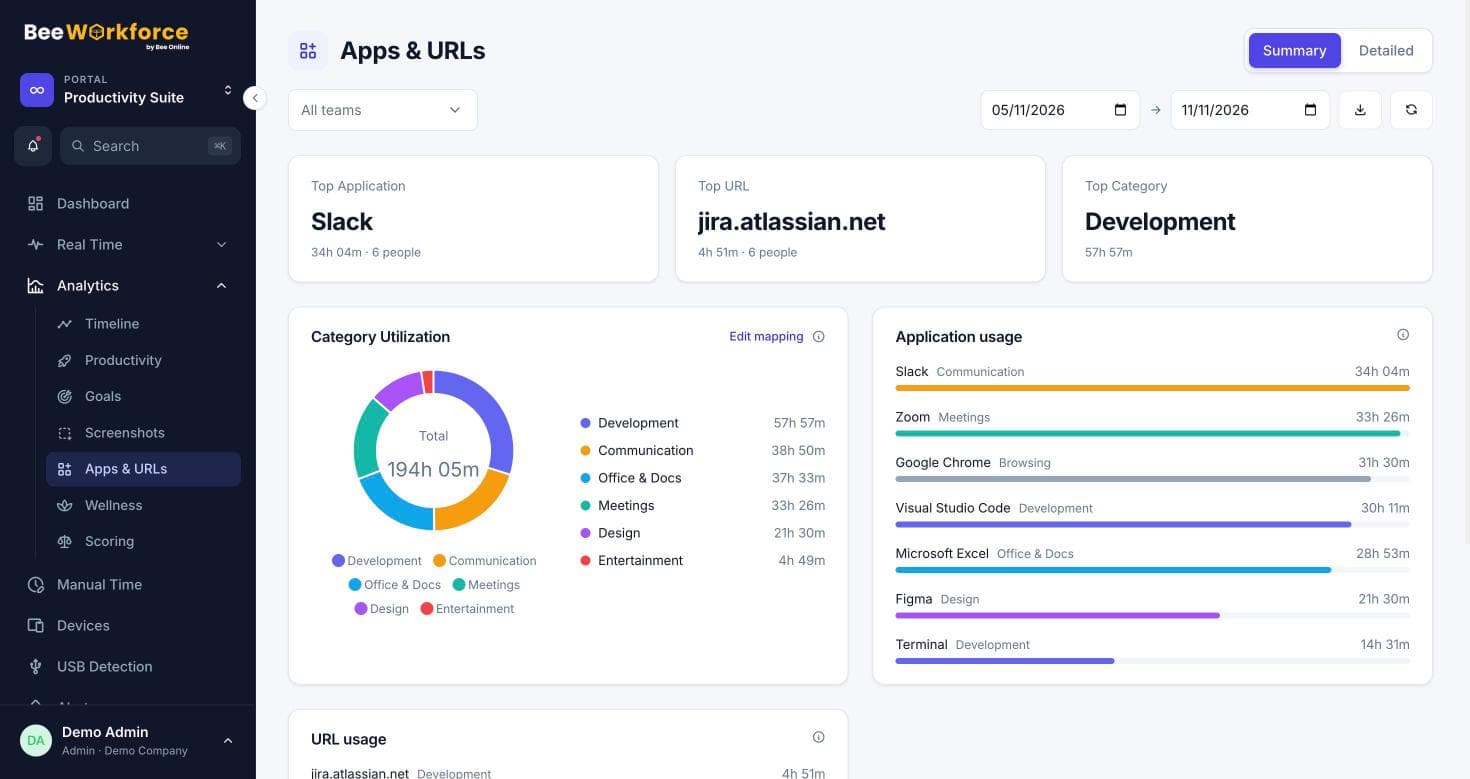
App usage
Time and user counts for every application.
Website usage
Time on each website, with URL-level matching.
Devices
Computers, platforms and desktop app versions.
Licences against reality
Compare the tools you pay for with how much they're used. People counts show whether an app is used by a few people or the whole company.
- Users per app
- Time per app and site
- Team filter
Your computer estate
The devices list shows every computer signed in to the desktop app, its platform, app version and when it was last seen.
- Windows and Mac
- App version per computer
- Sign out a device remotely
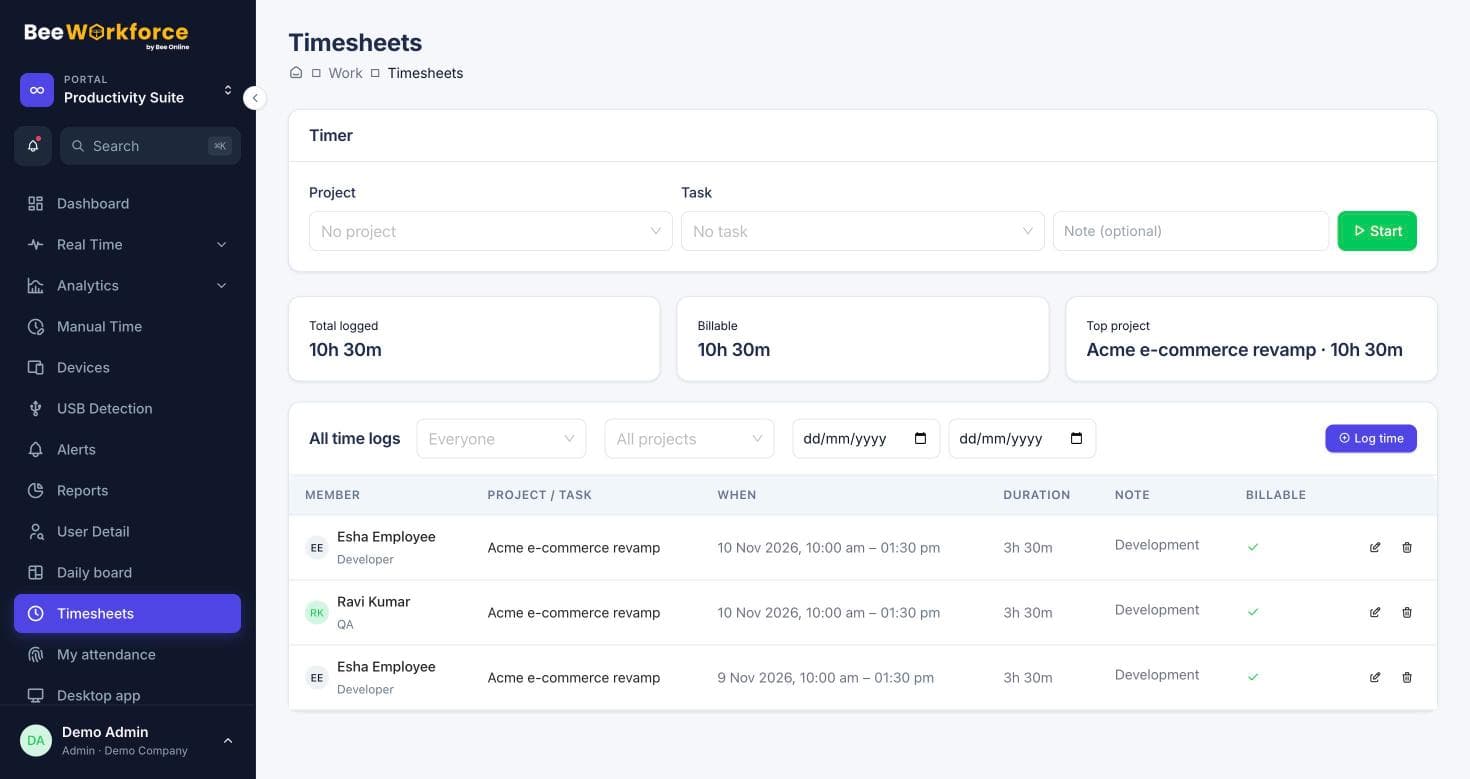
How teams use technology usage
- Cut unused software licences
- Plan tool rollouts by team
- Find shadow IT
- Keep desktop app versions current
Frequently asked questions
Does this track installed software?
It tracks software in use while people are punched in, not a full installed-software inventory.
Can I see per-team usage?
Yes, filter by team.
Is there a devices report?
Yes, the Devices report lists computers, platforms and versions.
See BeeWorkforce with your own team
Book a 30-minute walkthrough. We'll set it up around how your team works and answer your questions.