
Know where every client hour goes
BeeWorkforce links timesheets to projects and tasks, shows how time is spent across tools, and helps you keep creative teams productive without overloading them.
What gets in the way
Under-reported hours
Retainers get overserviced when hours aren't logged against the right client.
Constant context switching
Jumping between design, social and ad tools makes it hard to see where the day really went.
Burnout in busy months
Campaign peaks pile work onto the same few people without anyone noticing in time.
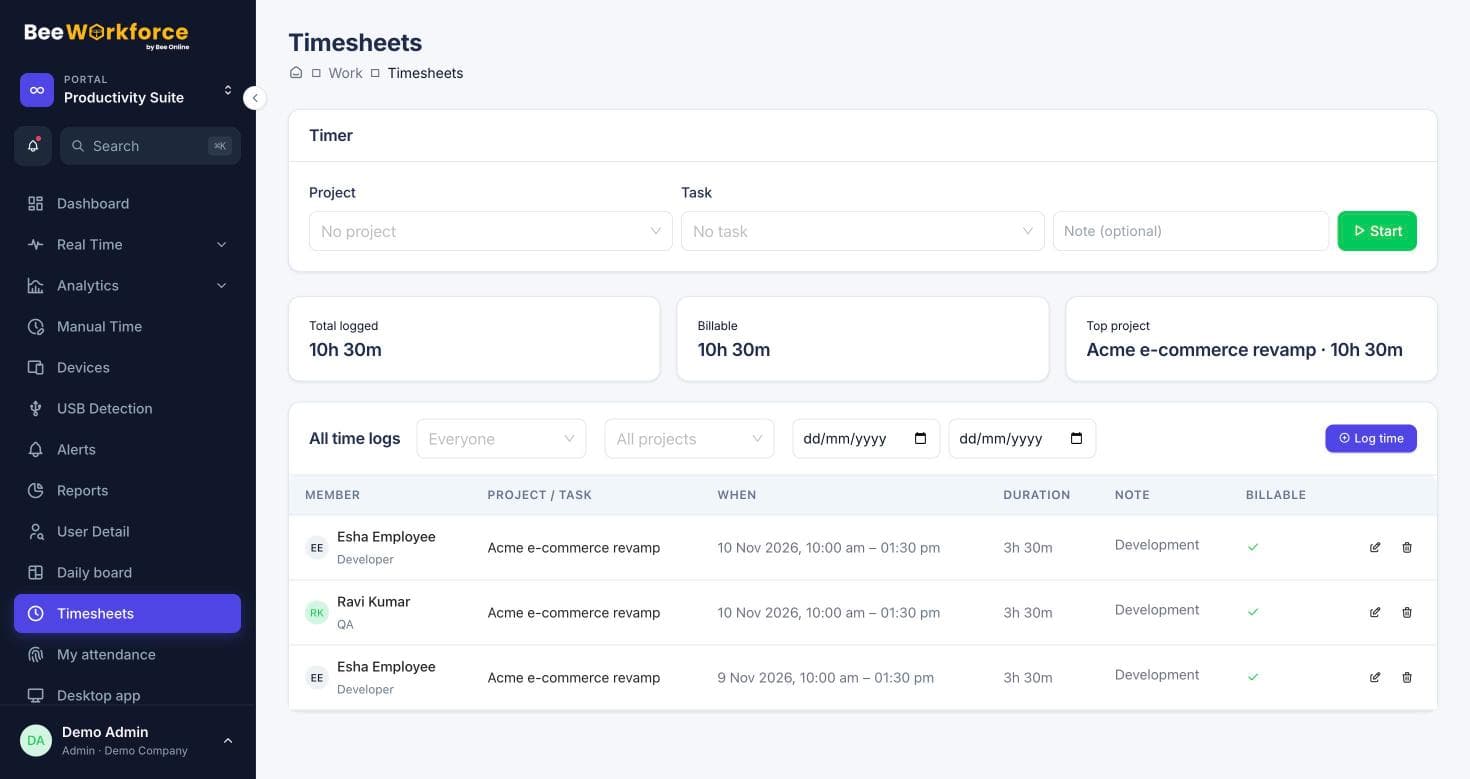
Timesheets tied to clients and projects
Run projects and tasks in BeeWorkforce and log time against them with a timer or by hand. Reports show billable and non-billable hours per client and person.
- Start and stop timers on tasks
- Billable and non-billable time
- Jira tasks imported with hours sent back as worklogs
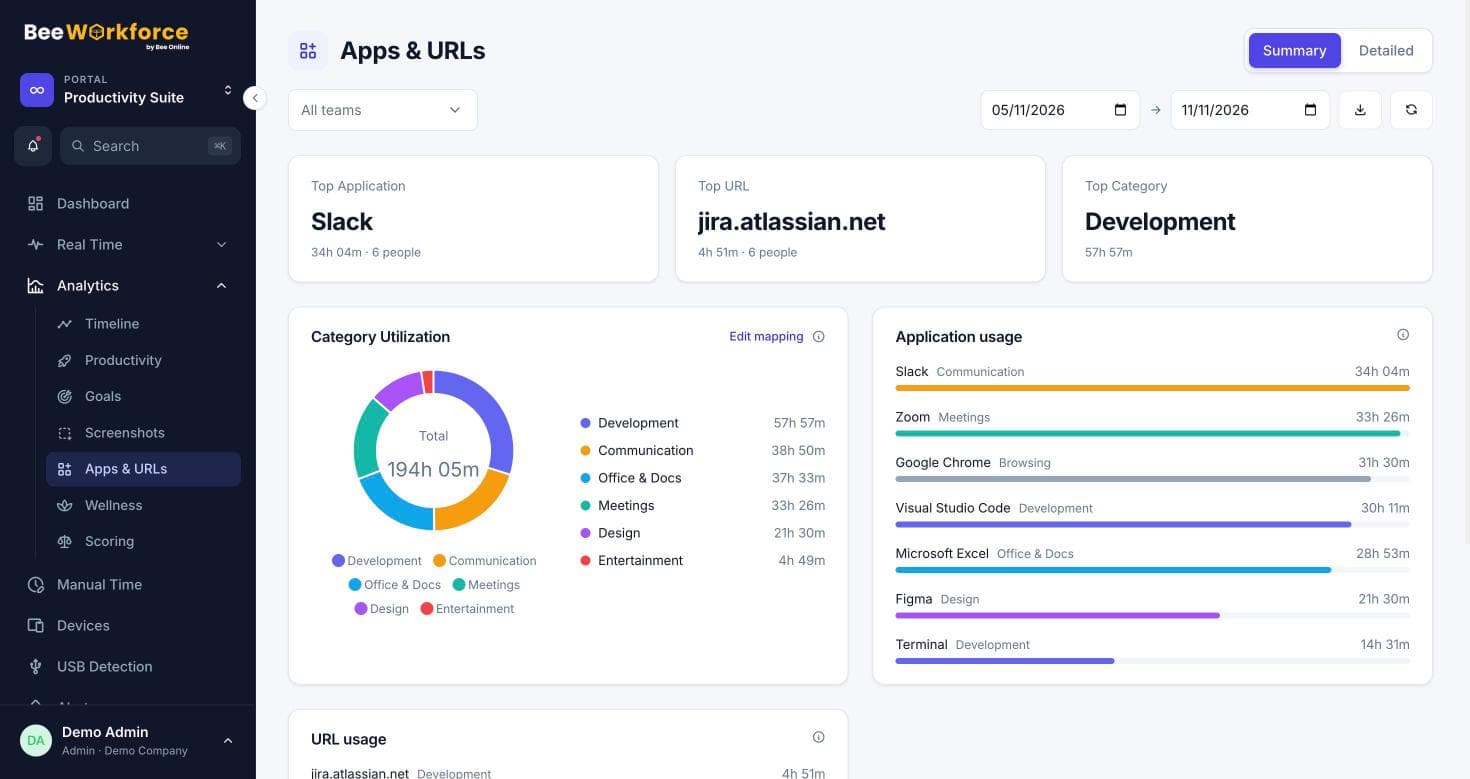
Your own rules for what counts as productive
Social media is work for the social team and a distraction for developers. Classify apps and websites once, then override the rule for the teams that need it.
- Categories for design, ads, analytics and social tools
- Per-team overrides
- Apps & URLs report by person and team
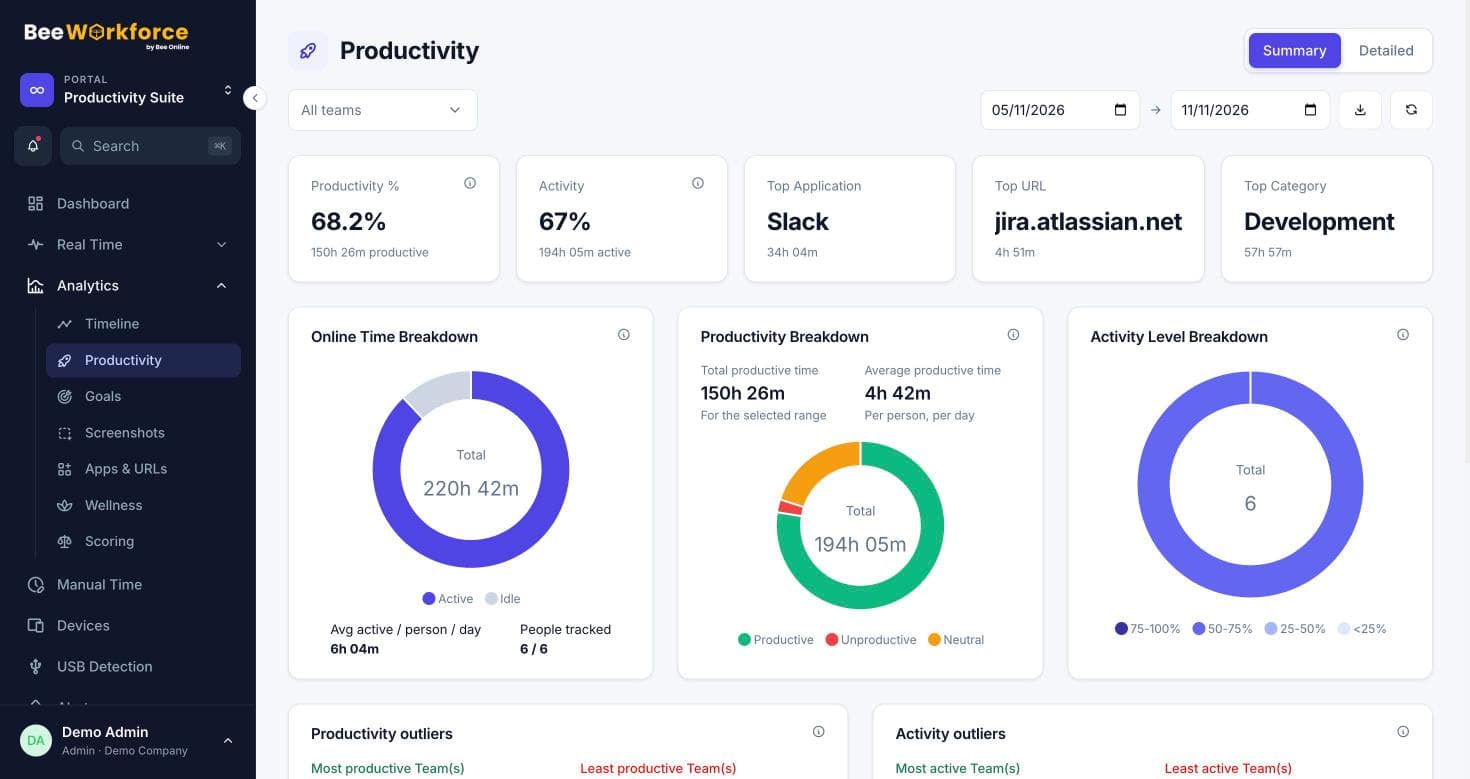
Spot overload before it costs you people
The wellness view shows who is consistently working beyond your healthy-hours threshold and who has capacity, so you can rebalance work during campaign peaks.
- Overburdened and underused people at a glance
- Work trends by week and month
- Goals for focused time
Features that help
Timesheets
Log time on projects and tasks with a timer or manual entries, and send it to Jira.
Projects and tasks
Projects, tasks, milestones and time logs, with Jira import.
Apps and websites
Time spent in every app and website, classified by your own productivity rules.
Wellness
See who is overworked or underused against limits you set.
Reports
Ready-made reports, your own report builder, and scheduled CSV emails.
Goals
Daily targets for online, active and productive time, with who met them.
Frequently asked questions
Can we track time per client?
Yes. Create a project per client or campaign, add tasks, and log time with the timer or manual entries. Timesheet reports group hours by project, person and billable status.
Do you integrate with Jira?
Yes. You can import Jira projects and issues as projects and tasks, and send logged hours back to Jira as worklogs.
Will monitoring upset a creative team?
You choose what is collected. Screenshots can be turned off or blurred, monitoring data is visible only to admins and managers, and you can require people to accept a monitoring notice first.
See BeeWorkforce with your own team
Book a 30-minute walkthrough. We'll set it up around how your team works and answer your questions.