
Remote work, with the same clarity as the office
Know when people start and finish, how the day went and who might be overloaded, without daily status calls.
What gets in the way
Out of sight
Managers can't tell who's available or stuck without constant check-ins.
Blurred working hours
Remote days stretch late, and overwork goes unnoticed until people burn out.
Status-update fatigue
Daily calls and messages replace visibility, and eat into actual work.
Who's working right now
A live view shows who's punched in, on a break or offline, and what app they're in, so you can reach the right person at the right time.
- Live status for the whole team
- Break tracking with types
- Alerts for missed punch-ins
Spot overwork before it becomes burnout
The wellness view sorts people by working time against limits you set, showing who's consistently over or under.
- Overworked and underused thresholds
- Trends over weeks
- Team-level comparisons
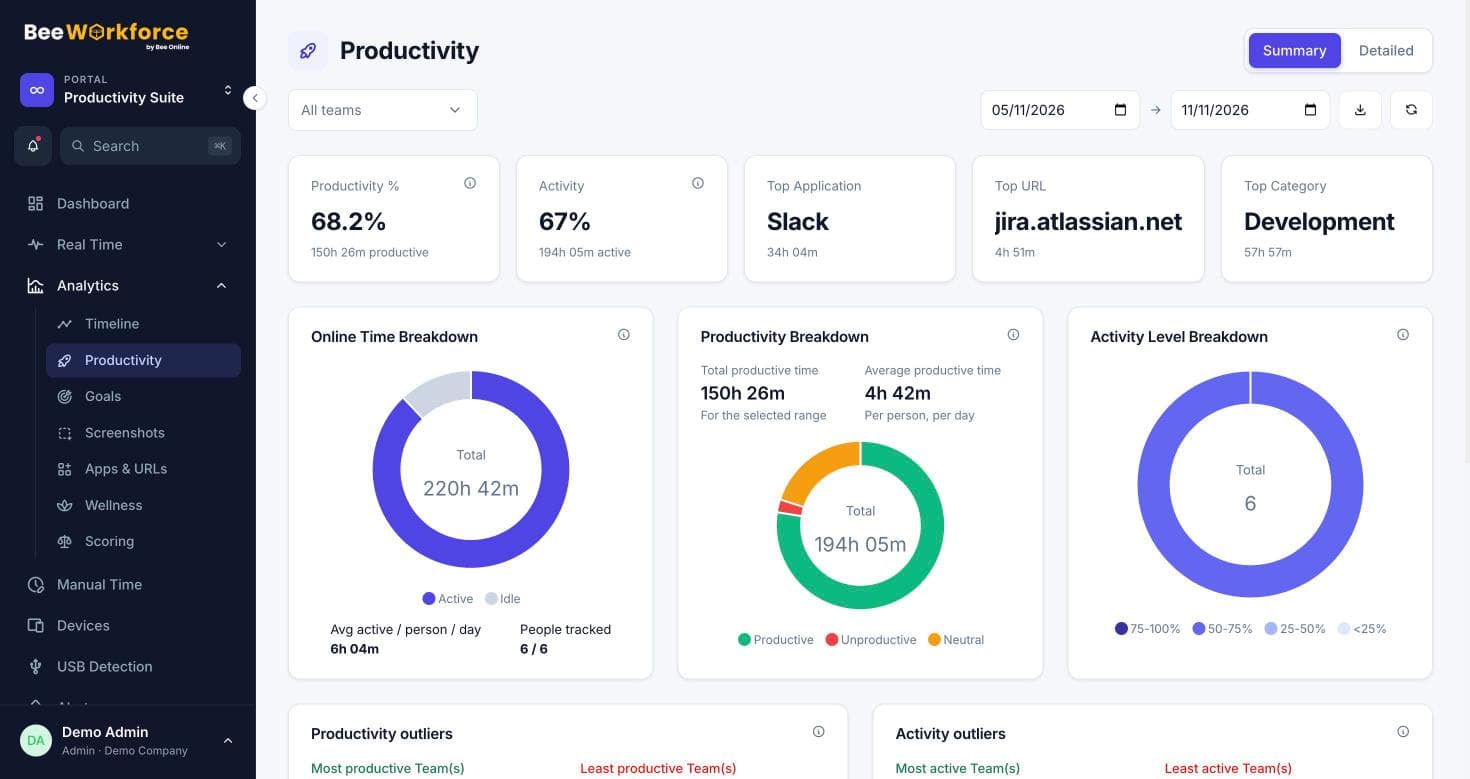
Features that help
Livestream
A live wall of who's working, on what app, with their latest screenshot.
Activity tracking
Active and idle time, apps and websites, recorded only while people are punched in.
Wellness
See who is overworked or underused against limits you set.
Alerts
Rules that notify managers about distractions, long breaks, idling and absence.
Employee dashboard
Everyone sees their own attendance, hours and productivity.
Attendance insights
Punches, breaks, late marks and worked hours, calculated from your shift rules.
Frequently asked questions
Does tracking continue if someone's internet drops?
Yes. The desktop app keeps recording and uploads when the connection returns.
Can people see what's tracked about them?
Yes. Everyone has a personal dashboard, and you can require them to accept a monitoring notice first.
Does it work on Mac and Windows?
Yes, the desktop app runs on both.
See BeeWorkforce with your own team
Book a 30-minute walkthrough. We'll set it up around how your team works and answer your questions.