
Leave without the email threads
Employees request leave, managers approve it, and balances update by themselves. Policies decide accrual, carry-forward, notice and who is eligible.
Requests and approvals
Request, approve or reject, with notifications.
Balances
Per type and per person, always up to date.
Policies
Accrual, carry-forward, notice period, limits and eligibility.
Policies that enforce themselves
Requests that break a rule are refused with the reason, such as too little notice or too many days in a row. Probation and team eligibility are respected.
- Yearly or monthly accrual
- Carry-forward limits
- Notice period and maximum consecutive days
- Team and probation eligibility
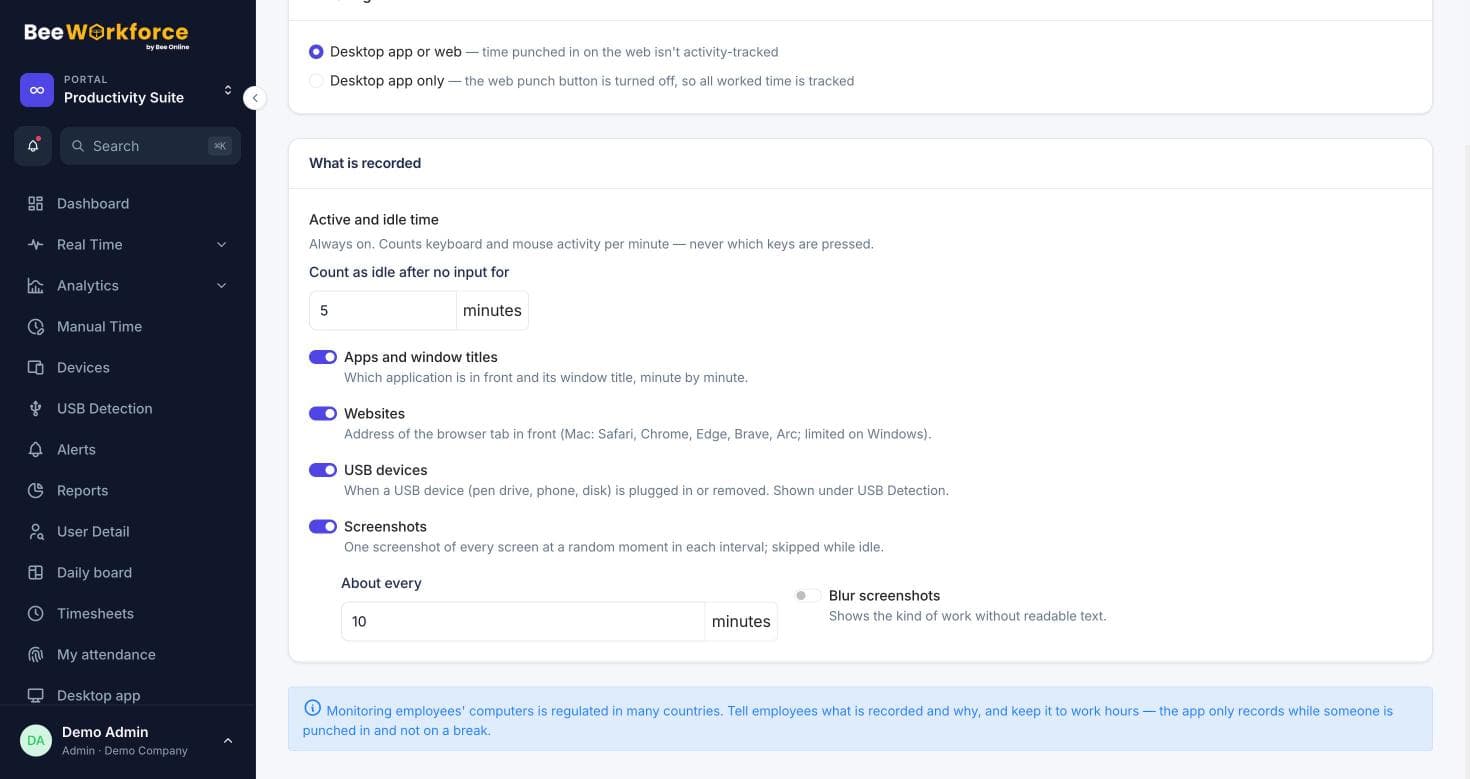
Connected to attendance
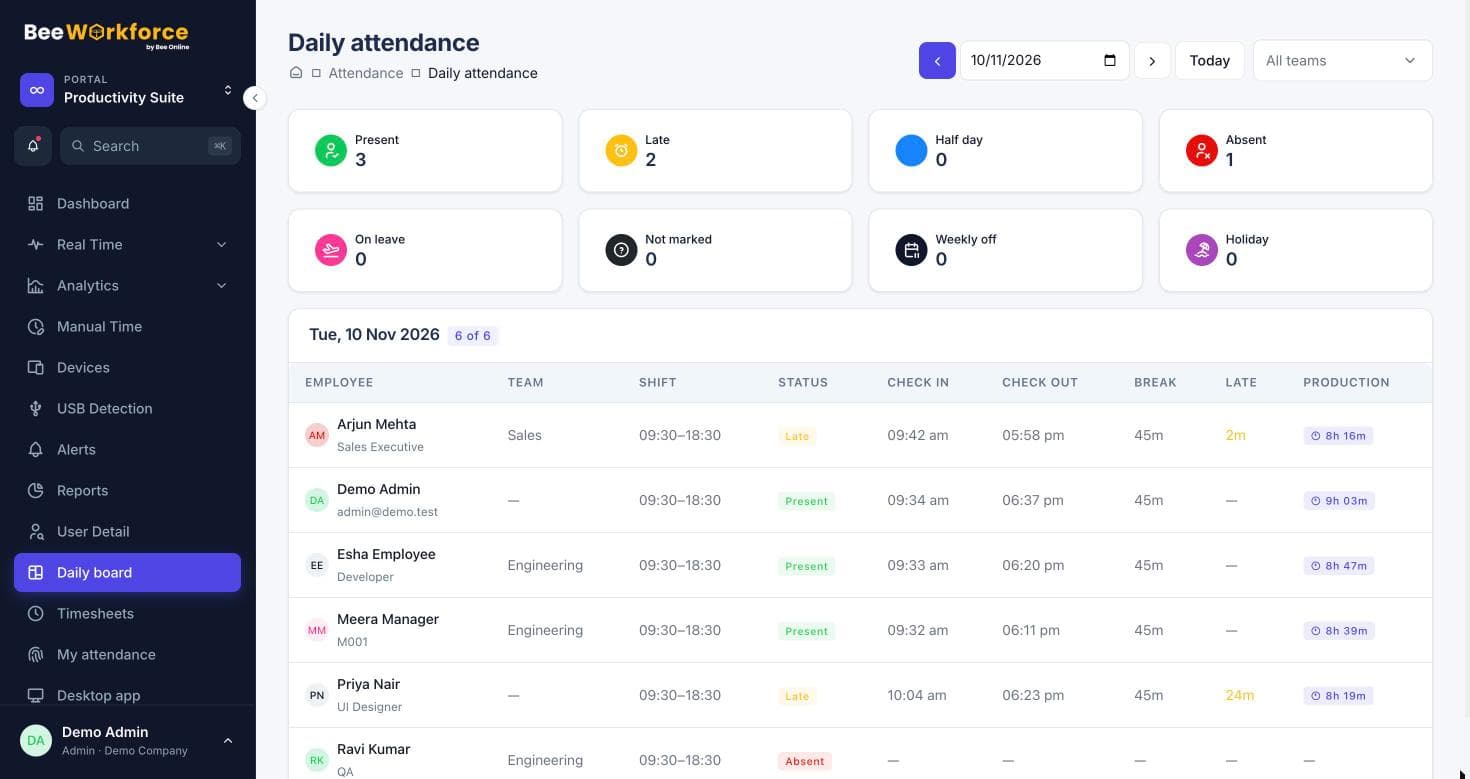
Approved leave shows on the daily board and calendars, so days on leave never appear as absences. Leave requests can also be posted to Teams.
- Leave on the daily board
- Holiday calendar
- Teams and webhook notifications
How teams use leave management
- Replace leave spreadsheets
- Apply different policies per team
- Plan around team leave
- Give HR an accurate leave summary
Frequently asked questions
Can we have several leave types?
Yes, each with its own policy.
Do half days work?
Yes, first or second half.
Is there a leave report?
Yes, the leave summary report per person and type.
See BeeWorkforce with your own team
Book a 30-minute walkthrough. We'll set it up around how your team works and answer your questions.