
USB detection
Know when USB devices are plugged in
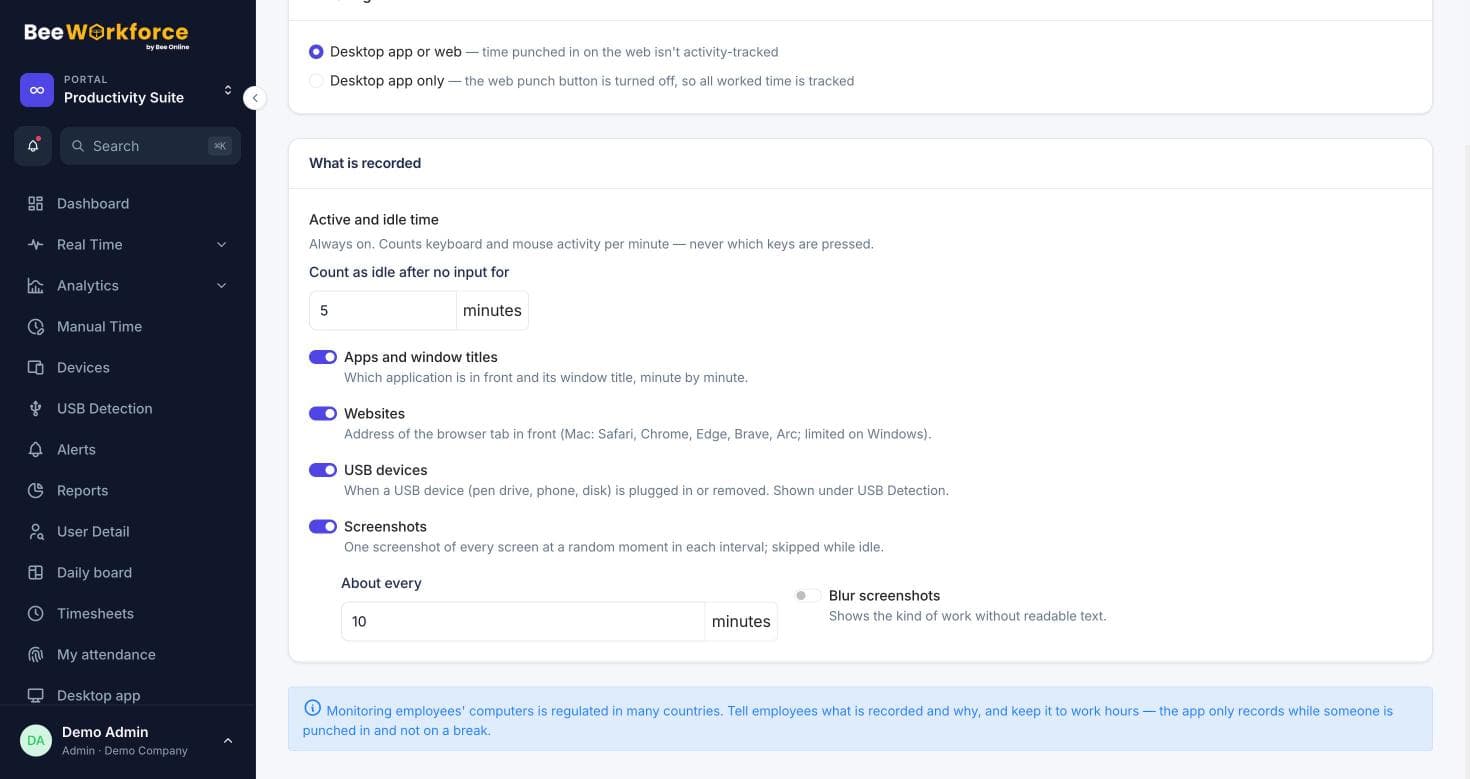
The desktop app records USB devices connected and removed while people are punched in, so you have a clear record for data-protection reviews.
Connected and removed
Both events, with date and time.
Device details
Device name and vendor where available.
USB report
Filter by team and person, export to CSV.
A clear audit trail
Each event lists the person, computer, device and time. Managers see their teams; admins see everyone.
- Per-person history
- Team filter
- CSV export
Switch it on when you need it
USB tracking is a company setting. Turn it on for compliance needs and off when you don't.
- Company setting
- Windows and Mac
- Only while punched in
How teams use usb detection
- Data-loss prevention reviews
- Compliance audits
- Investigating a security incident
- Policy enforcement for removable media
Frequently asked questions
Does it block USB devices?
No. It records connections and removals; it doesn't block them.
Is it on by default?
It's a company setting you choose.
Who can see USB events?
Admins and the person's managers.
See BeeWorkforce with your own team
Book a 30-minute walkthrough. We'll set it up around how your team works and answer your questions.