
Plan the work and track the time in one place
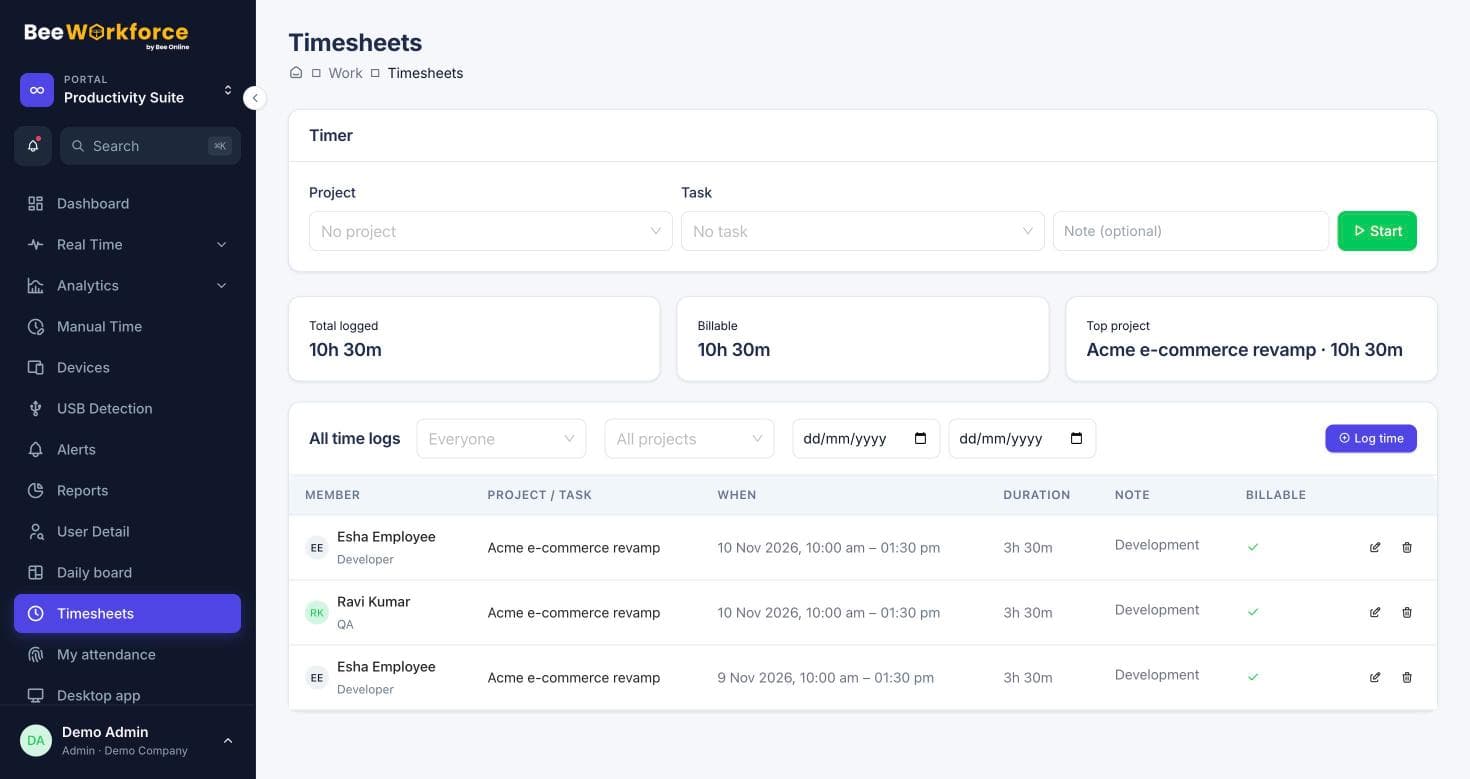
Create projects, break them into tasks and milestones, and log time on them. Already on Jira? Import projects and issues and send hours back as worklogs.
Tasks and statuses
Priorities, due dates, assignees and your own statuses.
Milestones
Group tasks into milestones and follow progress.
Jira import
Import Jira projects and issues; re-import updates them.
Work and time, connected
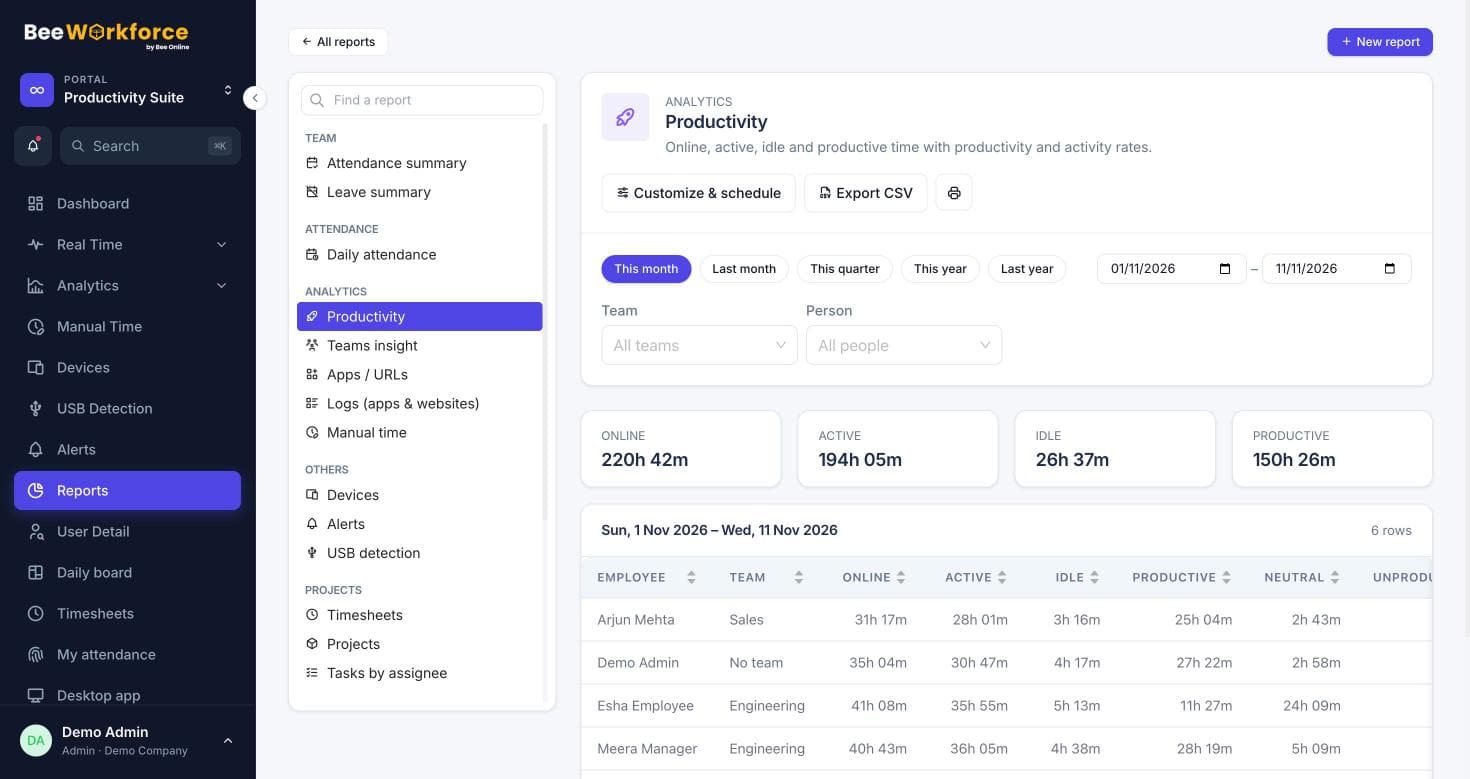
Every task can carry time logs, so project hours come from real entries. Project reports show progress, hours and overdue work.
- Timer on any task
- Project and task reports
- Overdue and completed counts
Keep Jira in sync
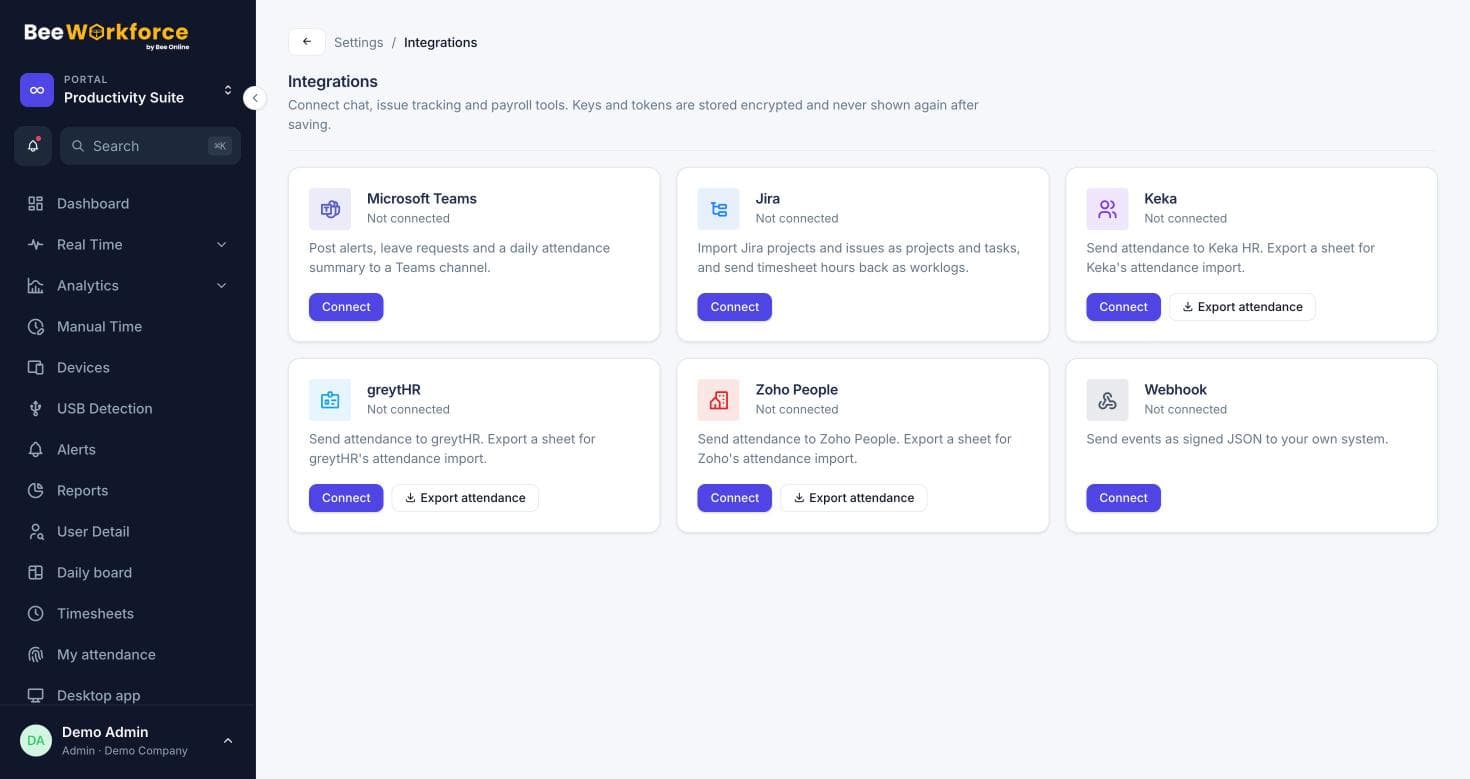
Import a Jira project and its issues as a project and tasks. With worklog sync on, time logged here appears on the Jira issue.
- Import and refresh issues
- Worklogs pushed automatically
- Edits and deletions mirrored
How teams use projects and tasks
- Track client projects end to end
- Log time on Jira issues without double entry
- Plan milestones for a release
- See overdue work per person
Frequently asked questions
Does this replace Jira?
It can for simpler projects, or work alongside Jira with import and worklog sync.
Can clients see projects?
Client portal access is available for clients you invite.
Are there kanban boards?
Tasks have statuses you can organise into a board view.
See BeeWorkforce with your own team
Book a 30-minute walkthrough. We'll set it up around how your team works and answer your questions.