
Screen recording is on the way
We're building optional, policy-controlled screen recording for review and training. It isn't available yet; screenshots and Livestream cover visual context today.
This feature is in development. Book a demo to see what's available today and what's next.
Available today: screenshots
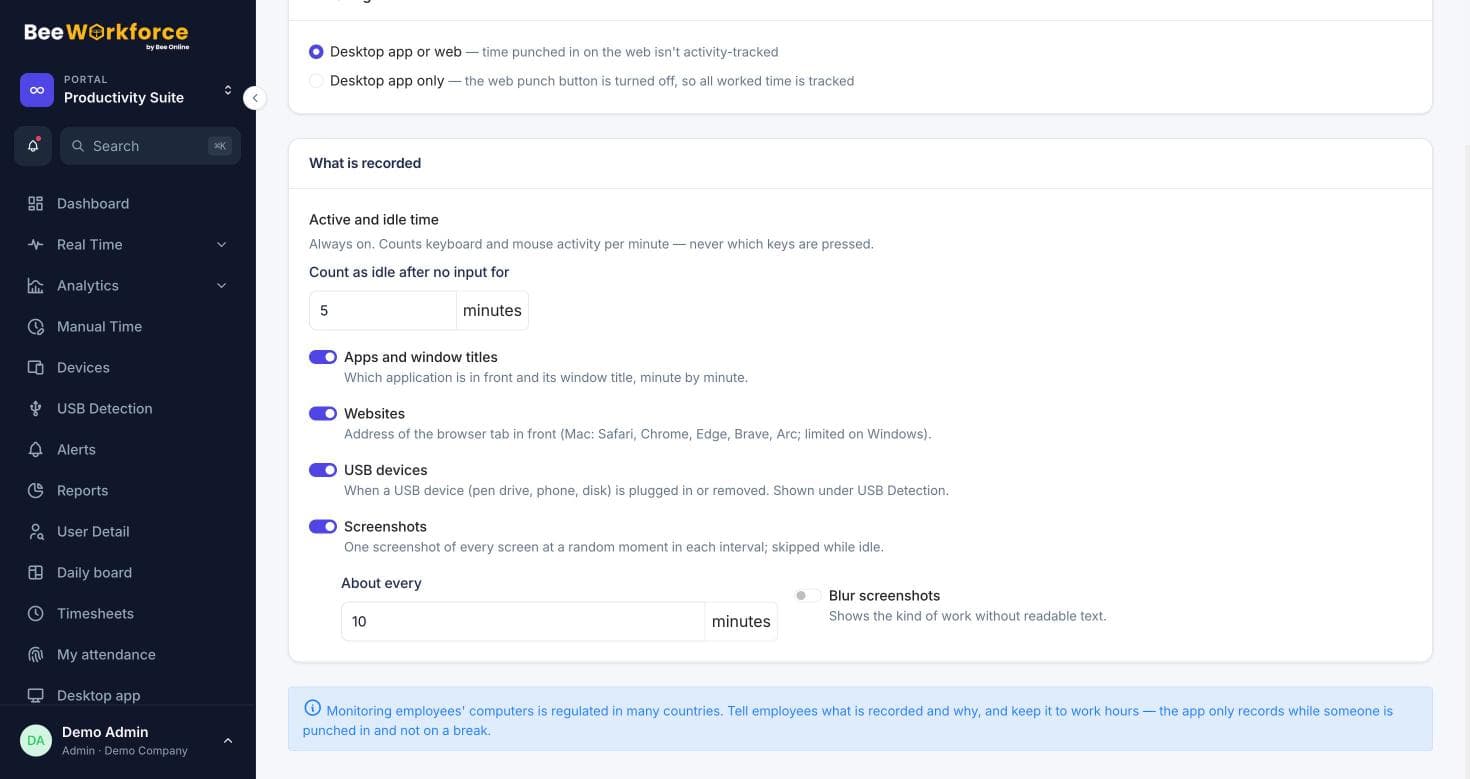
Periodic screenshots while punched in, with a blur option.
Available today: Livestream
Live status, current app and latest screenshot, refreshed every 10 seconds.
Planned with privacy controls
Recording will follow the same consent, retention and audit rules as other tracking.
What we're building
Our goal is short, on-demand recordings that admins switch on only where needed, such as training or investigating a reported issue. We'll share details when it's ready.
- Company-controlled and off by default
- Same consent and retention rules
- Access recorded in the audit log
What you can use now
Screenshots and Livestream already give visual context for remote work, with the timeline and app usage showing what happened in between.
- Screenshots at your interval
- Livestream wall
- Timeline and app usage
How teams use screen recording
- Training reviews (planned)
- Investigating reported incidents (planned)
- Quality checks for support teams (planned)
- Today: screenshots and Livestream for visual context
Frequently asked questions
Can I record screens today?
Not yet. Screen recording is in development. Screenshots and Livestream are available now.
Will recording be optional?
Yes. It will be off by default and controlled by the company's settings.
How can I hear when it's ready?
Book a demo or contact us and we'll let you know.
See BeeWorkforce with your own team
Book a 30-minute walkthrough. We'll set it up around how your team works and answer your questions.