
The report you need, delivered on time
Open a ready-made report, build your own with the columns and conditions you need, and have it emailed daily, weekly or monthly.
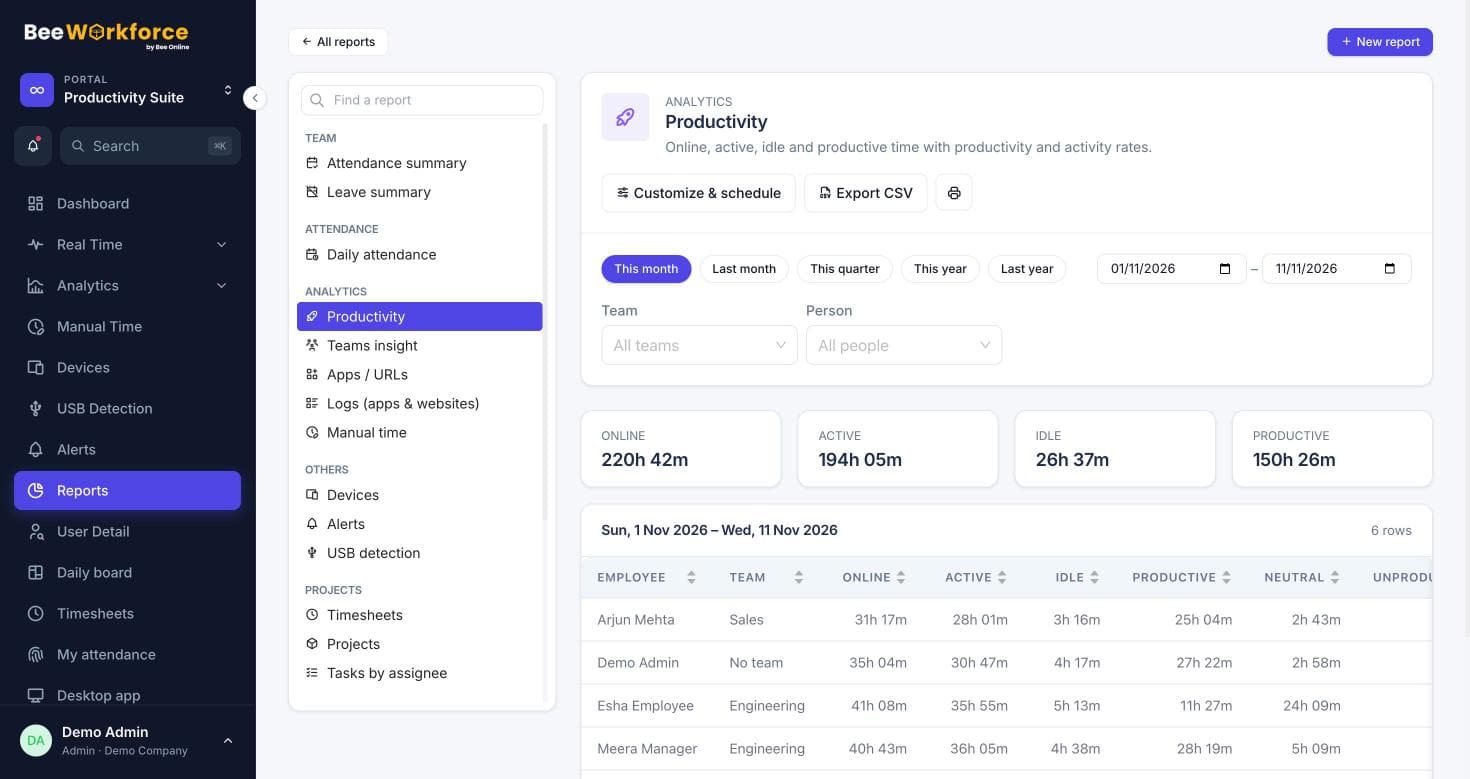
Ready-made reports
Attendance, productivity, apps and URLs, timesheets, leave, alerts, devices and more.
Report builder
Choose columns and their order, add conditions, sort and show the top rows.
Scheduled emails
Daily, weekly or monthly emails with a CSV attached.
Build it once, reuse it
Save a report with its filters and a relative date range like last week. Share it with colleagues; each person only sees the data they already have access to.
- Conditions like productivity below 50%
- Relative ranges: yesterday, last week, last month
- Private or shared reports
Right inbox, right time
Schedules run in your company's time zone and send a short summary with the full CSV attached. Send now any time to check it.
- Up to 20 recipients
- Send now button
- Failures shown on the report
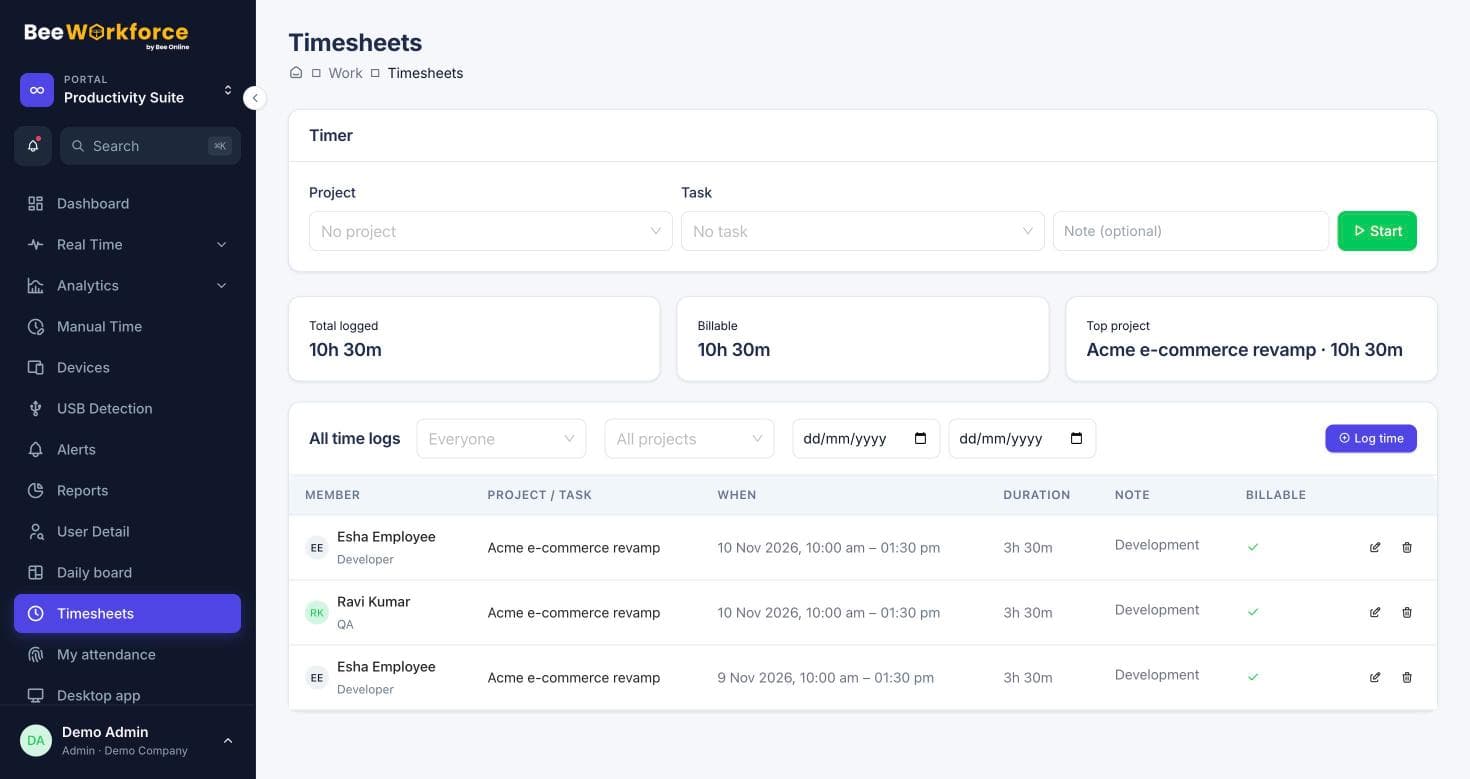
How teams use reports
- Weekly productivity email for team leads
- Monthly attendance export for payroll
- Daily late-arrival list for HR
- Client-ready timesheet summaries
Frequently asked questions
Can I export to Excel?
Reports export to CSV, which opens in Excel and Google Sheets.
Whose access does a scheduled report use?
The access of the person who set it up, at the time it's sent.
Can employees use reports?
Reports are for admins and managers by default; access follows your role settings.
Works well with
See BeeWorkforce with your own team
Book a 30-minute walkthrough. We'll set it up around how your team works and answer your questions.