
Plan the work and see the time it really takes
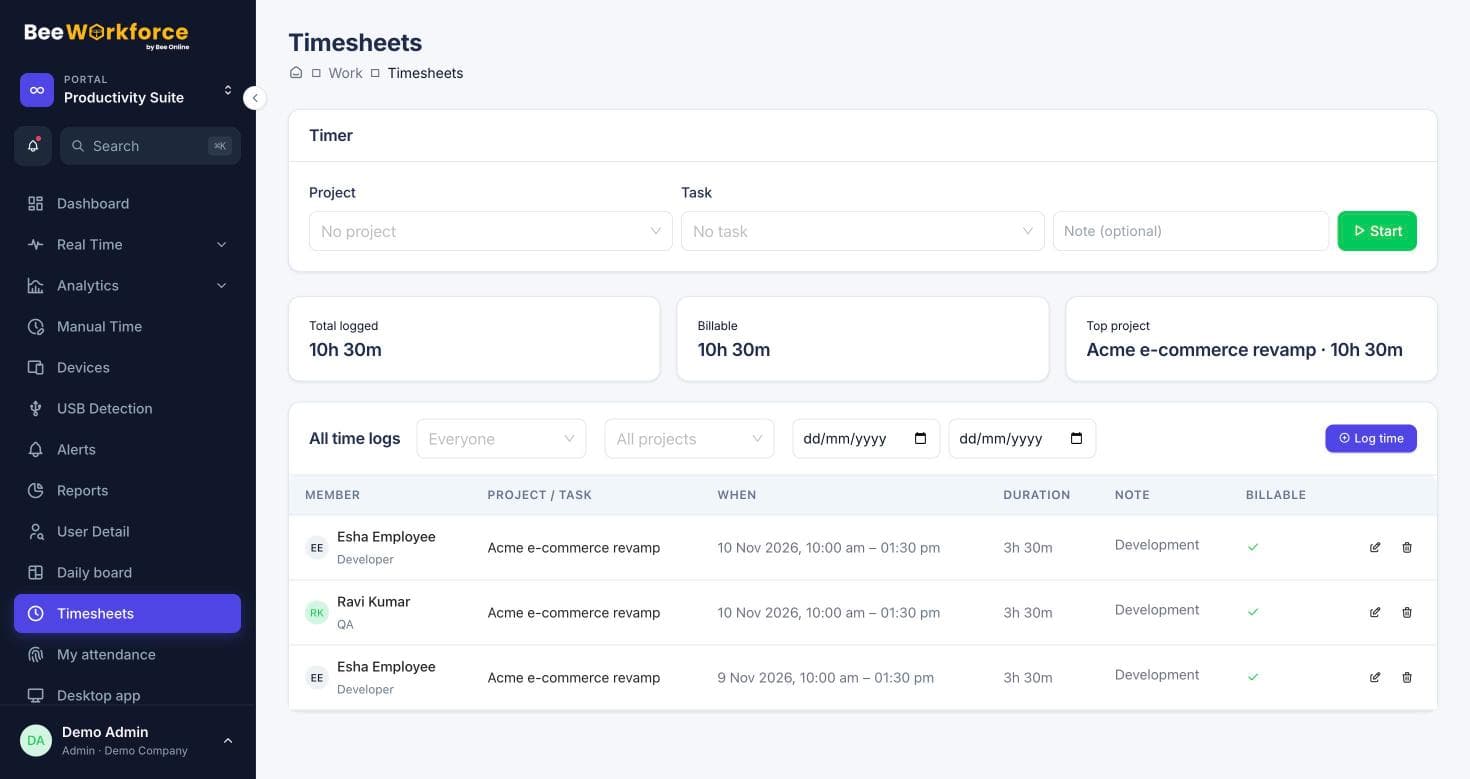
Run projects and tasks in BeeWorkforce, track time with timers or manual entries, and compare it with attendance and activity data from the same people.
What gets in the way
Estimates drift
Without real time data, the next estimate is as rough as the last.
Billing on guesswork
Billable hours are reconstructed from memory at month end.
Work and time in separate tools
Tasks live in one system and hours in another.
Projects and tasks with timers
Create projects, add tasks with assignees, priorities and due dates, and start a timer from any task. Time logs roll up into timesheets.
- Projects, milestones and tasks
- One-click timers
- Billable and non-billable time
Already in Jira? Keep it
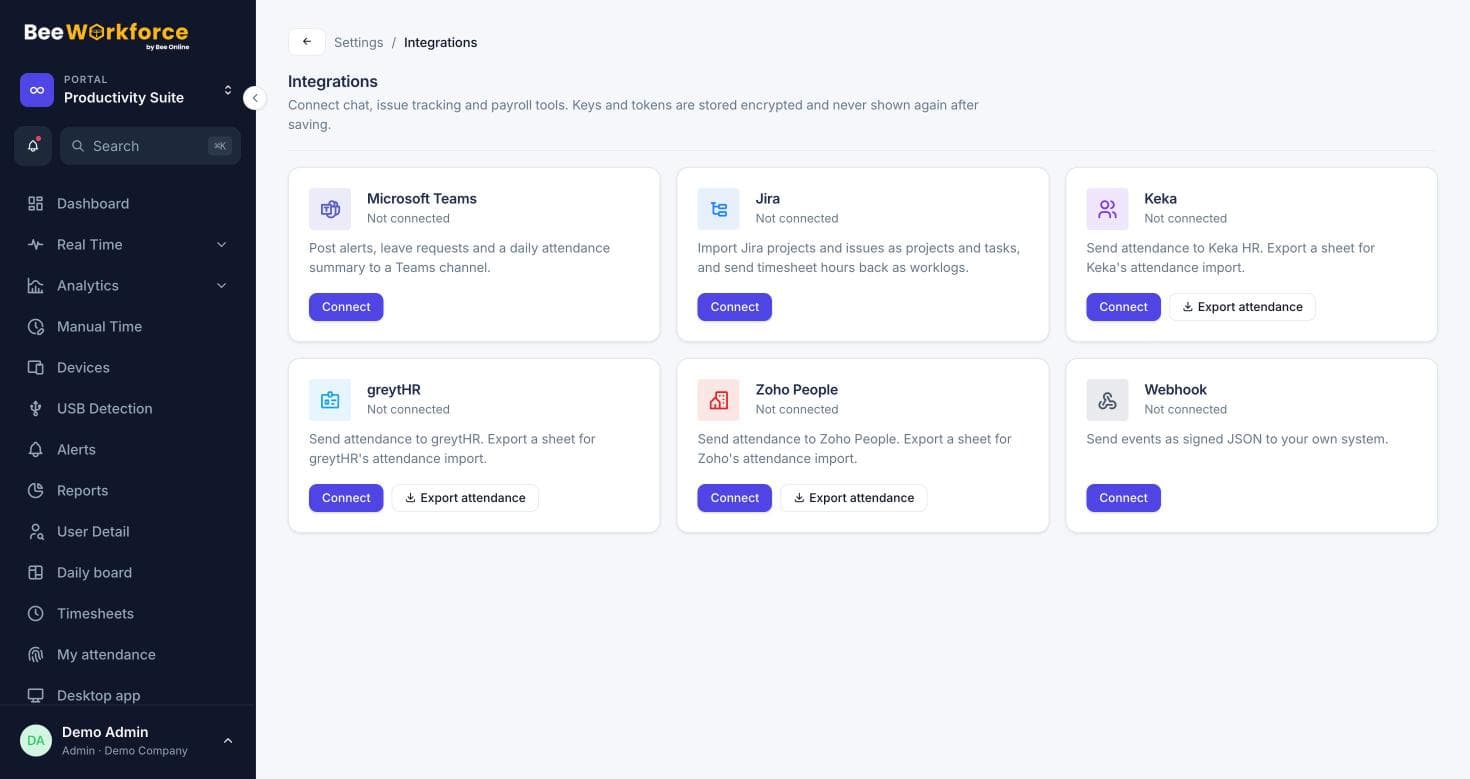
Import Jira projects and issues as projects and tasks, and send time logged in BeeWorkforce back to Jira as worklogs.
- Project and issue import
- Worklog push every few minutes
- Edits and deletions mirrored
Features that help
Projects and tasks
Projects, tasks, milestones and time logs, with Jira import.
Timesheets
Log time on projects and tasks with a timer or manual entries, and send it to Jira.
Reports
Ready-made reports, your own report builder, and scheduled CSV emails.
Activity tracking
Active and idle time, apps and websites, recorded only while people are punched in.
Frequently asked questions
Can we use BeeWorkforce alongside Jira?
Yes. Import Jira projects and issues, log time in BeeWorkforce, and hours are sent to Jira as worklogs.
Can clients see project progress?
BeeWorkforce includes a client portal for client contacts with access you control.
Can we report hours by project?
Yes. The timesheets report groups hours by project, task and person, and can be emailed on a schedule.
See BeeWorkforce with your own team
Book a 30-minute walkthrough. We'll set it up around how your team works and answer your questions.