
Work files protected behind role boundaries
Upload task attachments, expense proofs and leave certificates with automatic executable blocking, private storage, and role-based permissions.
Private file storage & uploads at a glance
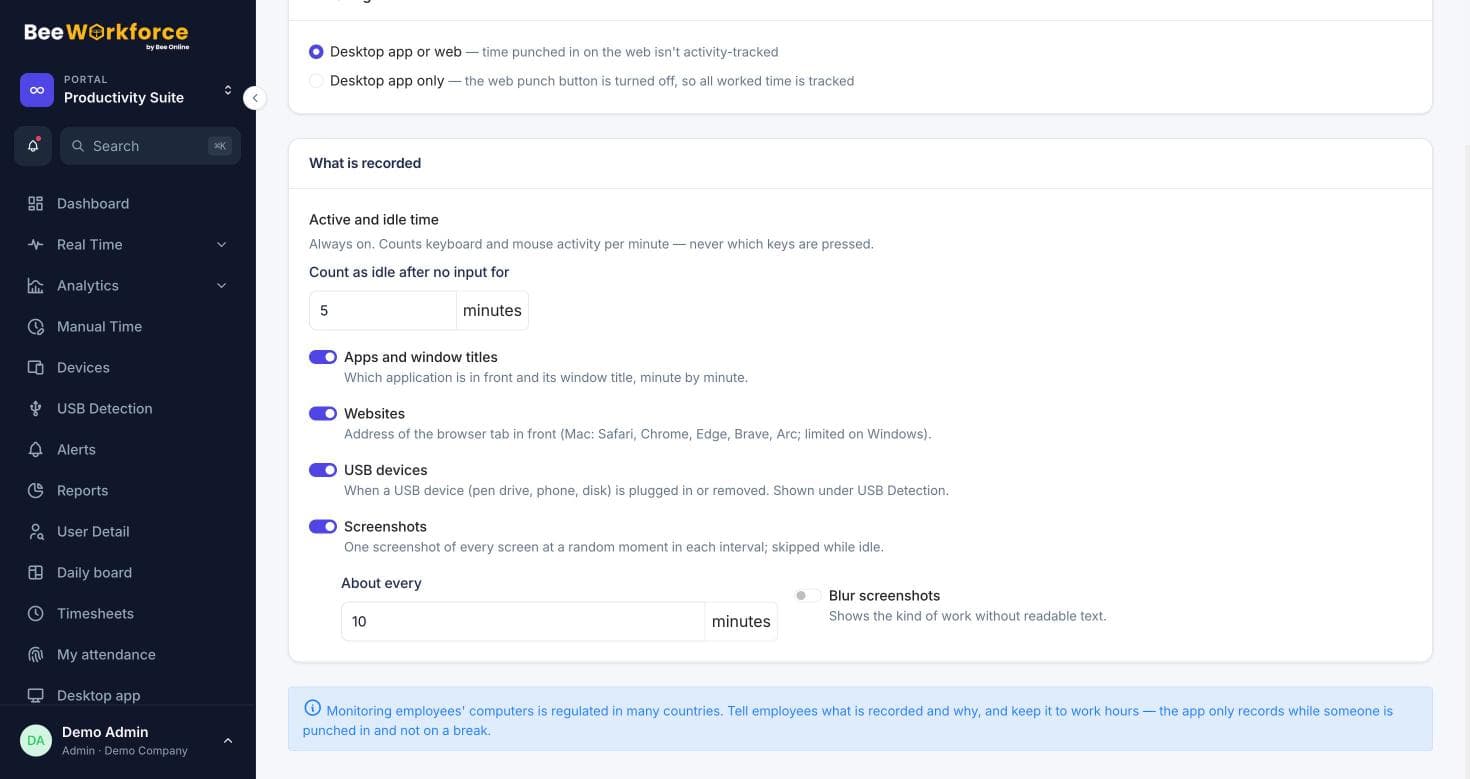
Part of BeeWorkforce's computer monitoring for work hours.
Private by default
Files are stored in private storage with authenticated role access only.
Malware prevention
Executable files (.exe, .bat, .cmd, .sh, .vbs) are blocked upon upload.
Work documents
Supports PDF, PNG, JPG, DOCX, XLSX attachments up to 25MB per file.
Zero public file exposure
Unlike public bucket links, every document download in BeeWorkforce validates user session and role permission before serving.
- Authenticated downloads only
- Strict entity access checks
- Role-based visibility between teams
Malware protection on every upload
Automated checks reject dangerous binary scripts and executables, preventing malicious software from entering company workspaces.
- Executable extension blocking
- 25MB per-file upload cap
- Safe document handling
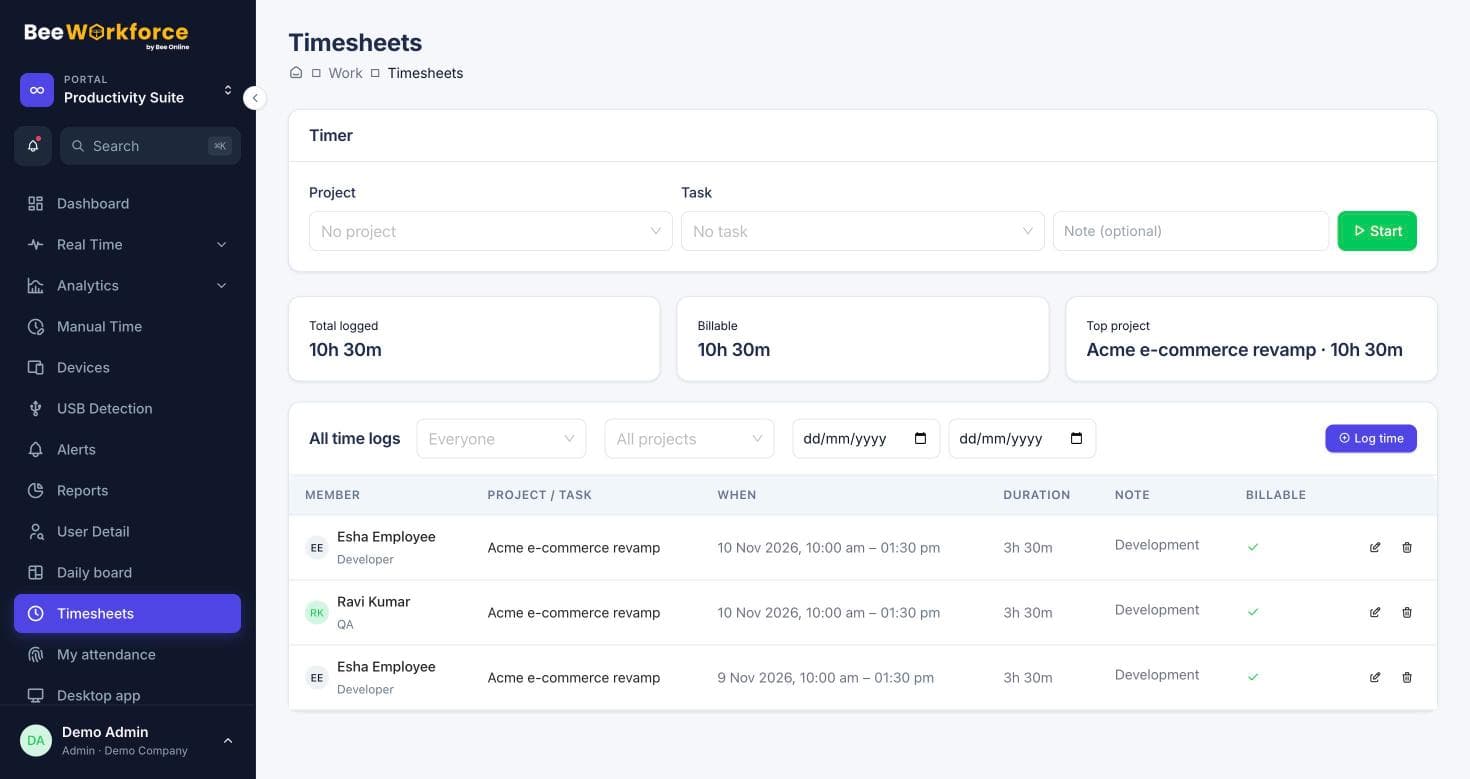
What your team sees
Mutual transparency built into every report and dashboard.
- Their own punch-in and punch-out times and worked hours
- Their breaks, leave balances and timesheets
- A notice on their computer that activity tracking is on, unless your company turns it off
- Uploaded files are visible only to you, your direct managers and company admins
Privacy and administrative control
Designed for mutual trust, compliance, and enterprise data governance.
- Every file URL requires an active authenticated session
- Zero public bucket access or indexed links
- Executable binaries (.exe, .bat, scripts) are blocked automatically
- Employees can access and download their own uploaded files at any time
Every privacy control and its plan: controls and privacy settings and the Trust Center.
Who it helps
Tailored for managers, HR teams, and distributed organisations across India.
Attach expense receipts and invoices safely
Share task deliverables with team leads
Submit medical leave certificates confidentially
Keep client documents isolated from employee tracking
What is private file upload security in workforce software?
Private file upload security ensures that work documents, expense receipts and leave attachments stay strictly protected within company boundaries. BeeWorkforce stores uploaded files in private storage with authenticated role access instead of public links. Every download request validates the user session and confirms role permissions before serving the file. Files attached to tasks, leave requests or expense proofs remain private to assignees, team managers and administrators. External clients only see files explicitly shared on client portal deliverables. To protect workstations against malware, executable files ending in dot exe, dot bat, dot cmd, dot sh, dot vbs and script formats are rejected automatically. Uploads are capped at twenty-five megabytes per file to maintain storage performance. Staff can access and download their own submitted receipts and documents at any time. Every feature is free for 7 days for up to 10 users, with no payment card required.
Questions about private file uploads
Can anyone on the internet access an uploaded file link?
No. File URLs are never public. Every file access request checks for an active session and verifies role permissions.
What is the maximum file size for uploads?
Files are capped at 25MB per upload across tasks, expenses, leave claims and chat.
Are executable files allowed?
No. Files ending in .exe, .bat, .cmd, .sh, .vbs, .msi, .ps1 and other binary script formats are blocked for security.
Can external clients see employee files?
Clients can only see files explicitly shared on client-facing deliverables or invoices, never internal team files.
Who can see the files I upload, like leave slips or receipts?
Files attached to a record, like a leave request or an expense, can be opened only by people who can see that record. Files in your personal folder are visible only to you. Files are kept in private storage and are never publicly accessible.
Visibility your team can trust. Try it free for 7 days.
Every feature, up to 10 users, no card needed. If you buy and it isn't right, get a full refund within 30 days of your first payment.


