
What is the best employee time tracking system? How to choose one
How to choose the best employee time tracking system for your team: the features that matter, the questions to ask, a scoring table and a two-week trial plan.
 By Himanshu Verma, Head TechnologiesPublished 8 min read
What is the best employee time tracking system?
The best employee time tracking system is the one that captures hours automatically and applies your rules without manual fixes. It should also export clean data for payroll. There is no single winner for every team. Start by ranking what you need hours for: payroll, billing, planning or compliance. Then choose how people will record time. Punch in and out suits shifts and payroll. Automatic tracking from a desktop app suits remote and hybrid teams. Timers and timesheets suit client billing. Check for shifts, grace periods, leave, idle detection, corrections, privacy controls and payroll exports. Score two or three tools against your own priorities. Then run a two-week trial with five to ten real people. If you fix data by hand during the trial, you will fix it every month. BeeWorkforce combines all three ways of capturing time in one system. Every feature is free for 7 days for up to 10 users.
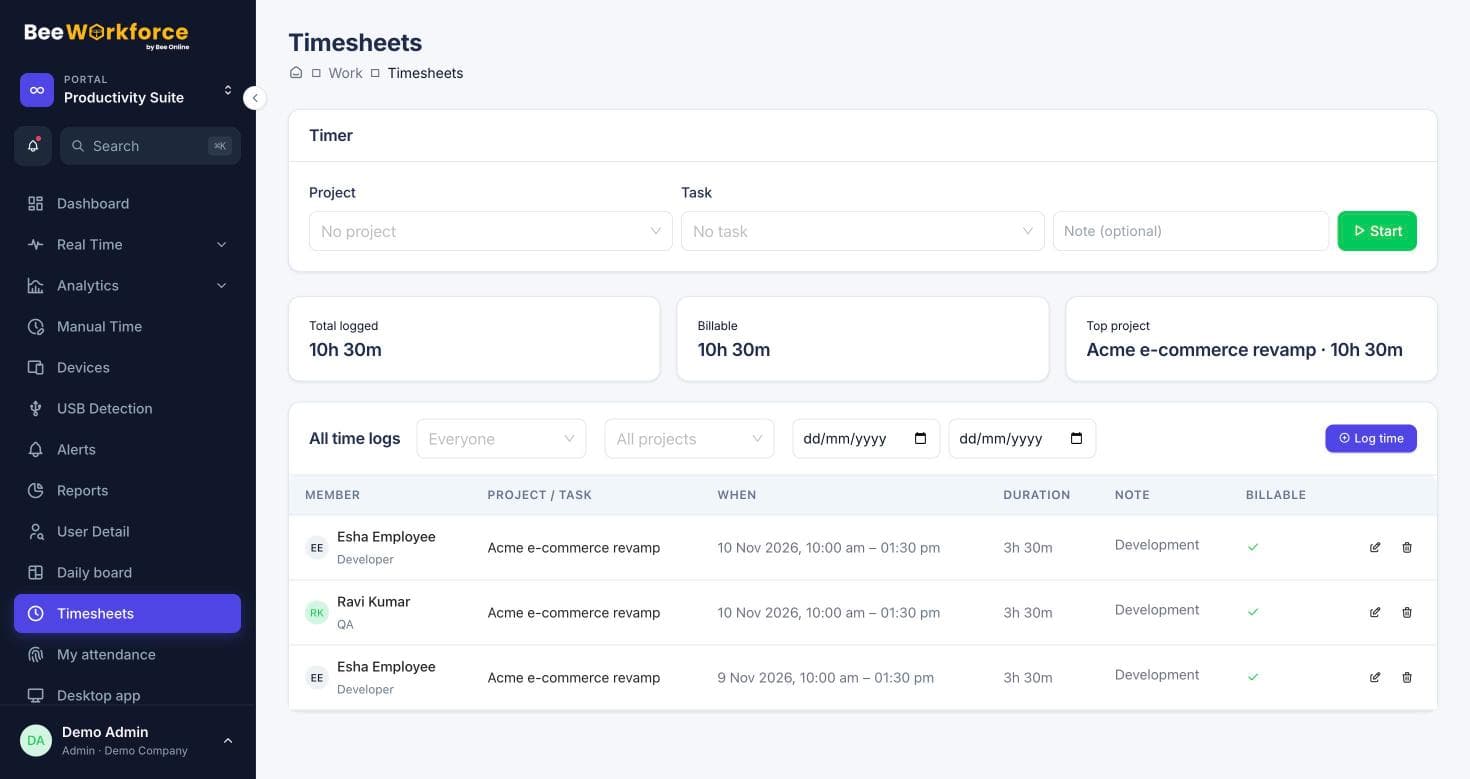
There is no single best employee time tracking system for every company. The best one is the system your people actually use, that records hours accurately, and that turns those hours into payroll and planning data without manual work. This guide shows how to find that system for your team.
Start with how your team works, not with a feature list. An office team that works fixed shifts needs different things from a remote team of developers, or a sales team on the road.
Step 1: Write down what you need the hours for
Time data is only useful if it answers a question. Most teams need it for one or more of these:
- Payroll: worked hours, overtime, late marks, half days and leave, ready for the payroll tool.
- Billing: hours per client, project and task, split into billable and non-billable time.
- Planning: who is overloaded, who has capacity, and how long work really takes.
- Compliance: a reliable record of working time and rest, as labour rules expect.
Rank these for your team. The top one decides which features matter most.
Step 2: Decide how people will record time
There are three common ways to capture time. Many systems support more than one.
| Method | How it works | Best for |
|---|---|---|
| Punch in and out | People clock in at the start of the day and out at the end, on the web, a desktop app or a device. | Attendance, shifts and payroll |
| Automatic tracking | A desktop app records active and idle time and the apps in use while someone is punched in. | Remote and hybrid teams, focus and capacity |
| Timers and timesheets | People start a timer on a task, or fill in hours against projects. | Client billing and project costing |
Manual timesheets alone tend to drift. People fill them in from memory at the end of the week. Automatic capture from punches or a desktop app is more accurate, and it saves everyone the weekly chore.
Step 3: Check the features that matter
These are the features that separate a good system from a frustrating one:
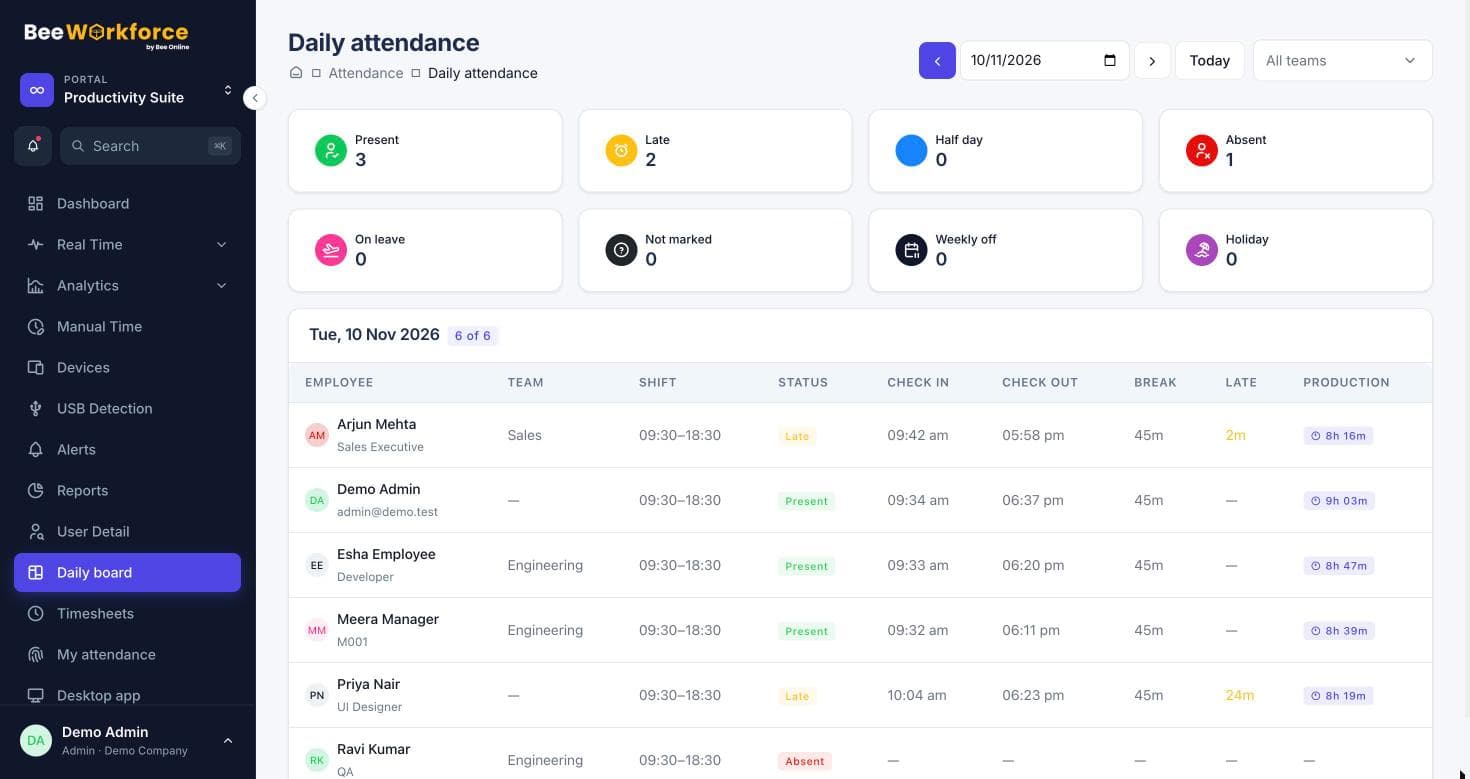
- Shifts and rules: grace periods, half-day and full-day thresholds, overnight shifts and weekly offs, applied automatically.
- Leave and holidays: approved leave and public holidays should never show up as absences.
- Idle detection: hours should reflect real work, with idle minutes counted separately.
- Corrections: a request-and-approve flow for missed punches, instead of editing records quietly.
- Reports and exports: payroll-ready exports, timesheets per project, and reports that can be emailed on a schedule.
- Privacy controls: a consent notice, tracking only during work hours, and data retention you choose.
- Platforms: apps for the computers your team uses, such as Windows, macOS and Linux, plus a browser option.
- Integrations: your HR and payroll tool, your project tool and your chat tool.
Step 4: Score your shortlist
Pick two or three tools and score each from 1 to 5 on the criteria that matter to you. Weight the scores by the ranking from step 1.
| Criterion | Weight | Questions to ask |
|---|---|---|
| Accuracy | High | Are hours captured automatically? Is idle time separated? |
| Rules | High | Can it apply our shifts, grace periods and leave without manual fixes? |
| Ease of use | High | Can a new employee punch in on day one without training? |
| Reports | Medium | Does it export in the format our payroll tool expects? |
| Privacy | Medium | Can we show a notice, limit tracking to work hours and set retention? |
| Price | Medium | What does it cost per user per month for the features we need? |
Step 5: Run a two-week trial with real people
A demo shows what a tool can do. A trial shows whether your team will use it. Pick five to ten people from different teams and shifts. Ask them to use the system normally for two weeks. Then compare its hours with what you know about those weeks.
- Did late marks, half days and leave come out right without edits?
- Did the desktop app run quietly in the background?
- Could managers find the answer to a real question in under a minute?
- Did the payroll export open cleanly in your payroll tool?
Where BeeWorkforce fits
BeeWorkforce combines all three capture methods in one system. People punch in from the web, the desktop app or the Chrome extension. The desktop app runs on Windows, macOS and Linux and records active and idle time only while someone is punched in. Project timers and timesheets sit next to attendance. Shifts, late marks, leave and holidays are applied automatically, and reports export to CSV layouts for Keka, greytHR and Zoho People. Every feature is free for 7 days for up to 10 users, which is enough for the trial plan above.
The short answer
The best employee time tracking system captures hours automatically, applies your shifts and leave rules without manual fixes, and exports clean data for payroll. Choose two or three candidates, score them against your own priorities, and let a two-week trial with real people decide.
Sources: Time and attendance (Wikipedia) · Working time and work organization (International Labour Organization)
Keep reading
How to track employee time off without spreadsheets
What software to use to track employee time off, and how to set up leave types, balances, approvals and holidays so leave never shows up as an absence.
15 Nov 2026 · 7 min read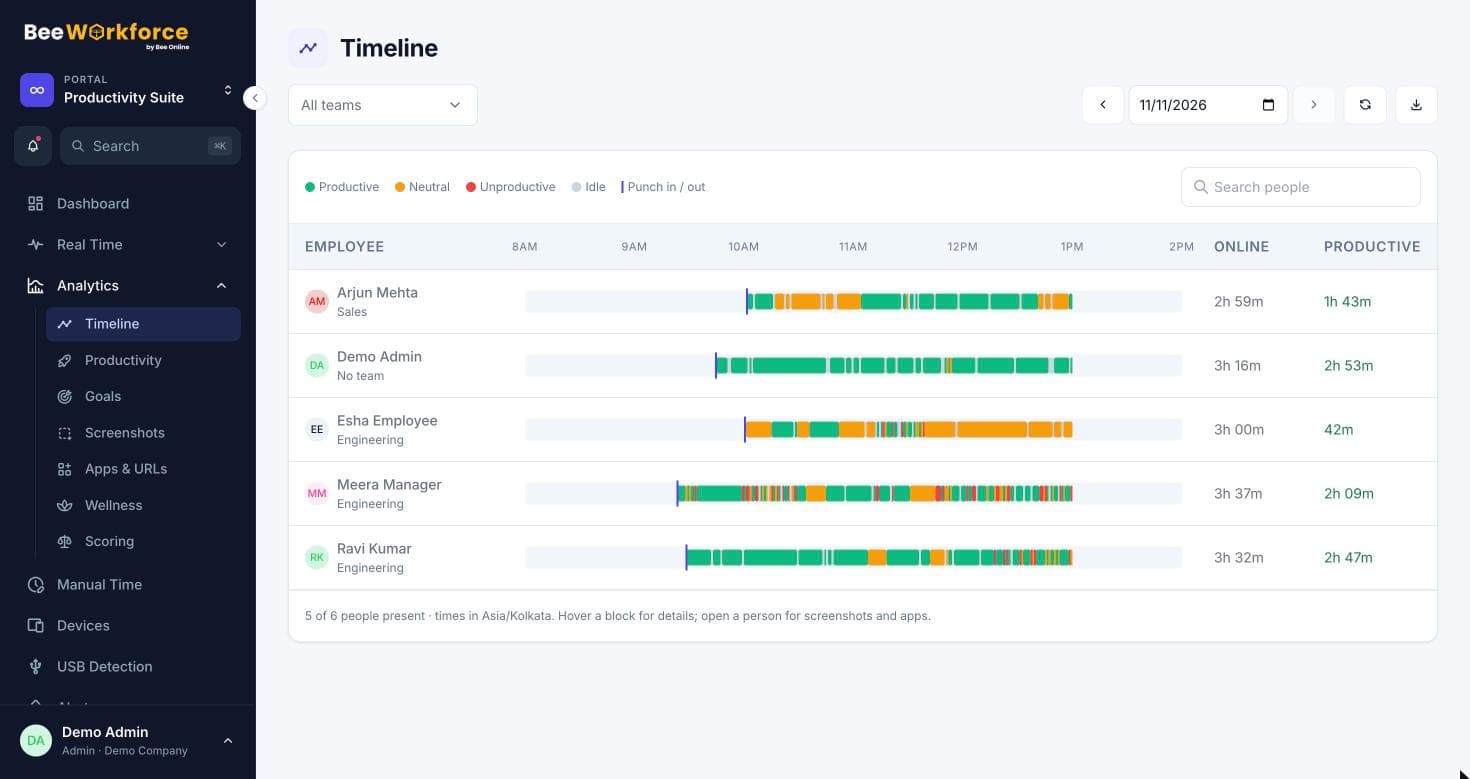
Employee activity log: an example and how to read it
An example of an employee activity log, what each column means, and how to read one fairly: active and idle time, apps, websites and productivity.
15 Nov 2026 · 6 min read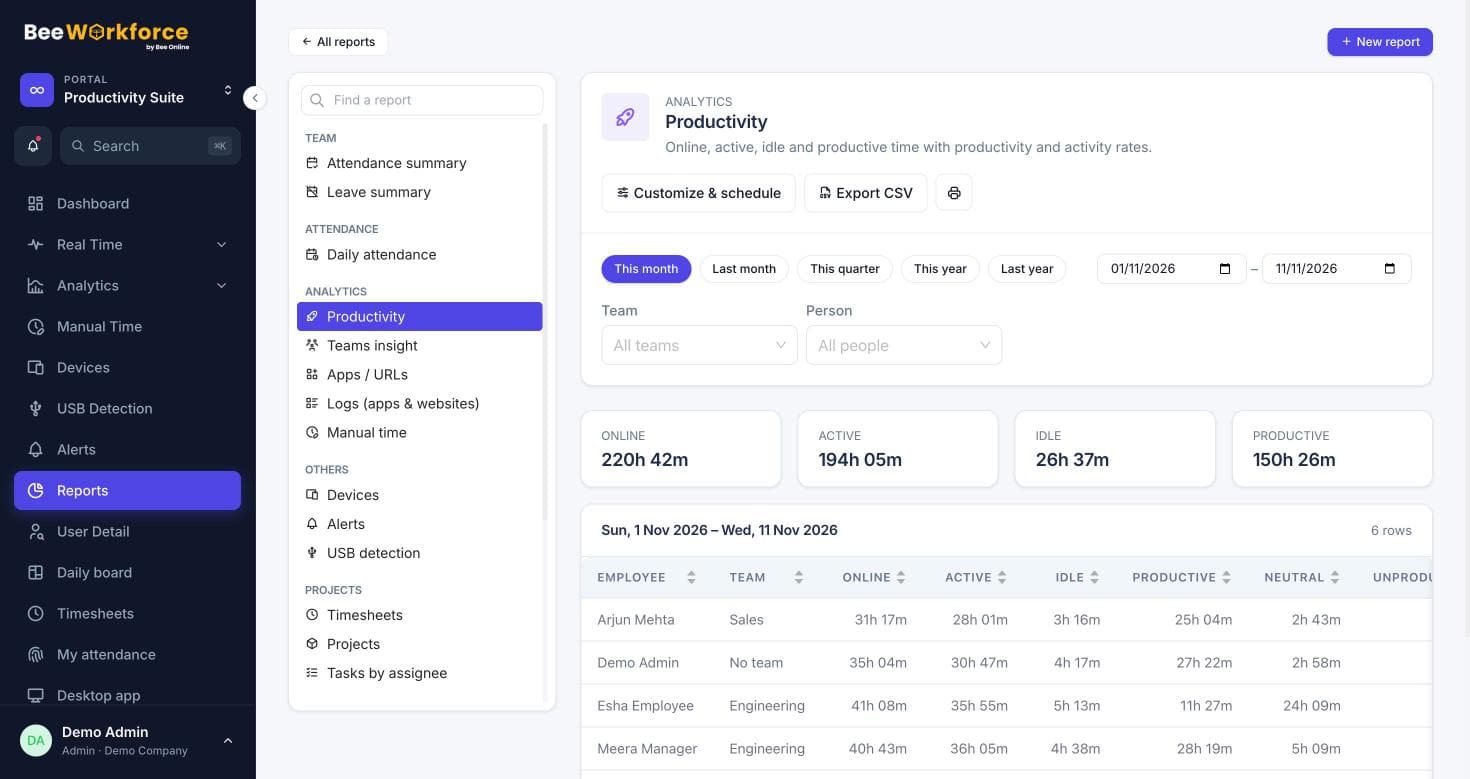
How to build and schedule a custom report
Step by step: pick a data source, choose columns, filter rows with conditions, sort, share and email a report on a schedule with BeeWorkforce's report builder.
6 Nov 2026 · 6 min readSee BeeWorkforce with your own team
Book a 30-minute walkthrough. We'll set it up around how your team works and answer your questions.