
How to track employee time off without spreadsheets
What software to use to track employee time off, and how to set up leave types, balances, approvals and holidays so leave never shows up as an absence.
 By Himanshu Verma, Head TechnologiesPublished 7 min read
What software can I use to track employee time off?
You can track employee time off with a spreadsheet, a standalone leave tracker, or attendance software with leave built in. Attendance software with leave built in works best for most teams. Approved leave then lands in the same register as attendance, so it never shows up as an absence. Start by listing your leave types, such as casual, sick, earned and unpaid leave. Set the rules for each: accrual, carry-forward, notice period, maximum days in a row and eligibility. Add public holidays and weekly offs. Let employees request leave themselves and managers approve it, with notifications. Balances should update the moment leave is approved. Payroll exports should show leave separately from absences. BeeWorkforce handles all of this in one place. Requests that break a policy are refused with the reason. Leave can also be posted to Microsoft Teams. Every feature is free for 7 days for up to 10 users.
Most small companies track time off in a spreadsheet and an email thread. It works until it doesn't. Someone forgets to update a balance, two people on the same team take the same week off, or approved leave shows up as an absence in payroll. Leave management software fixes this by keeping requests, approvals, balances and attendance in one place.
What software can you use to track employee time off?
There are three kinds of tools teams use:
| Type of tool | What it does well | Where it falls short |
|---|---|---|
| Spreadsheet and email | Free and familiar. | Balances drift, approvals get lost, and attendance does not know about leave. |
| Standalone leave tracker | Requests, approvals and balances. | Leave and attendance live in different systems, so payroll still needs manual checks. |
| Attendance software with leave built in | Leave, holidays and attendance in one register. | Takes a little more set-up, once. |
If you already track attendance, choose a tool where leave is part of attendance. Then a day on approved leave can never be counted as an absence.
Step 1: Define your leave types
List each kind of leave your company offers. Typical types in India are casual leave, sick leave, earned or privilege leave, and unpaid leave. Some companies add maternity, paternity, bereavement or compensatory off. For each type, note how many days people get and whether the leave is paid.
Step 2: Set the policy rules
Each leave type needs a few rules. Decide them with HR before you configure anything:
- Accrual: whether the full allowance is given at the start of the year or earned monthly.
- Carry-forward: how many unused days move to next year, if any.
- Notice period: how many days in advance people must ask.
- Maximum in a row: the longest single stretch allowed without special approval.
- Eligibility: which teams can use the type, and whether people on probation can.
Step 3: Add holidays and weekly offs
Add the public holidays for the year, and set weekly offs on each shift. A day can only be marked absent correctly if the system knows it was a working day.
Step 4: Set up requests and approvals
Employees should request leave themselves. Managers approve or reject it, with a notification each way. Requests that break a rule should be refused with the reason, so nobody has to explain the policy by email. Balances should update the moment leave is approved.
Step 5: Connect leave to attendance and payroll
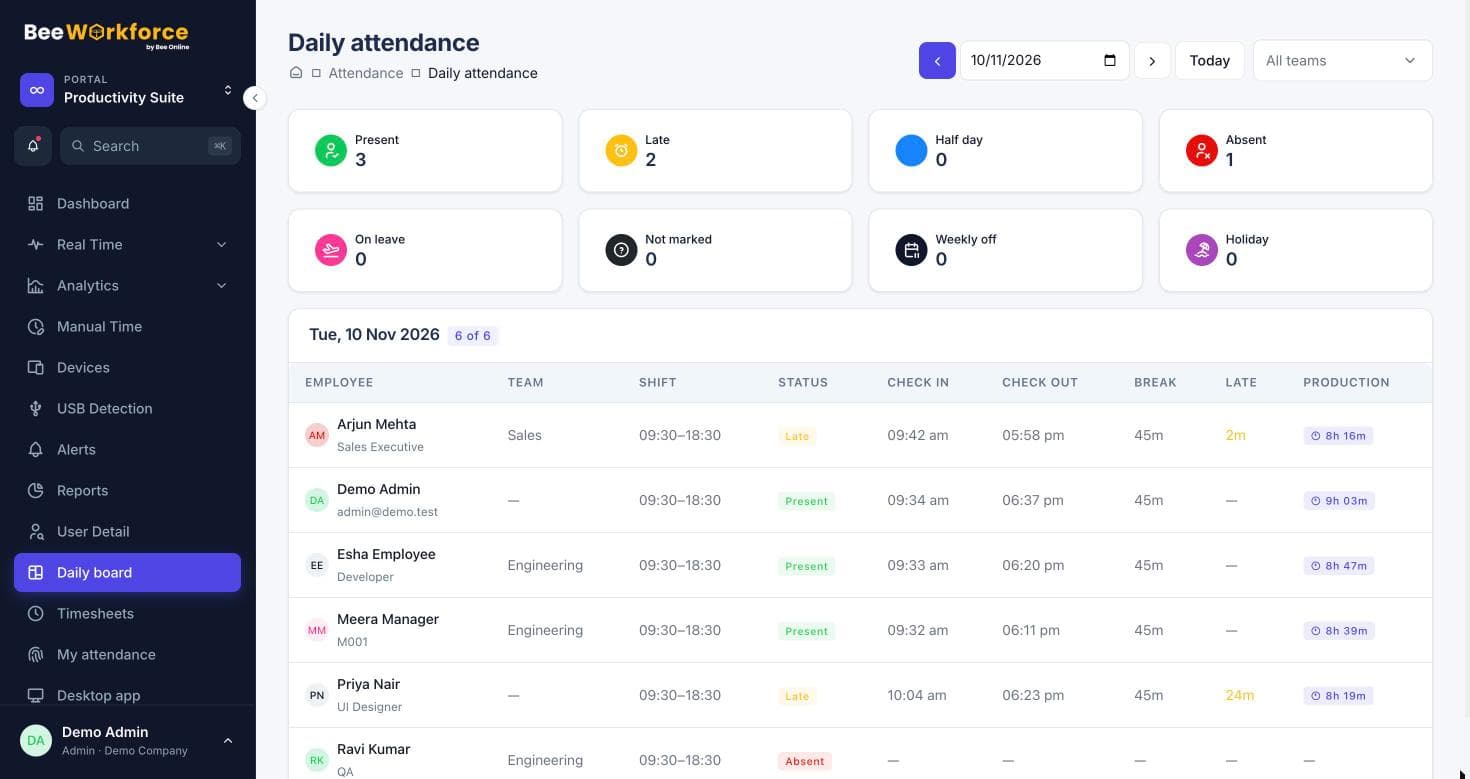
This is the step spreadsheets cannot do. Approved leave should appear on the daily attendance board and the team calendar. Payroll exports should show leave days separately from absences. When this works, month-end checks take minutes.
How BeeWorkforce handles time off
In BeeWorkforce, employees request leave and managers approve it. Balances update by themselves. Policies support yearly or monthly accrual, carry-forward limits, notice periods, a maximum number of days in a row, and team and probation eligibility. Requests that break a rule are refused with the reason. Approved leave and holidays show on the daily board, so they never appear as absences. Leave requests can also be posted to Microsoft Teams, and attendance exports to CSV layouts for Keka, greytHR and Zoho People. For the policy itself, see our guide to designing a leave policy with accrual and carry-forward.
The short answer
Use attendance software with leave management built in. Define your leave types and rules once, let employees request leave themselves, and let approved leave flow straight into attendance and payroll.
Sources: Leave of absence (Wikipedia) · Ministry of Labour and Employment, Government of India
Keep reading
Leave policy design: accrual, carry forward and notice periods
A practical guide to designing leave types, accrual, carry forward, notice periods and eligibility, and setting them up so requests are checked automatically.
20 Oct 2026 · 7 min readWhat is the best employee time tracking system? How to choose one
How to choose the best employee time tracking system for your team: the features that matter, the questions to ask, a scoring table and a two-week trial plan.
15 Nov 2026 · 8 min read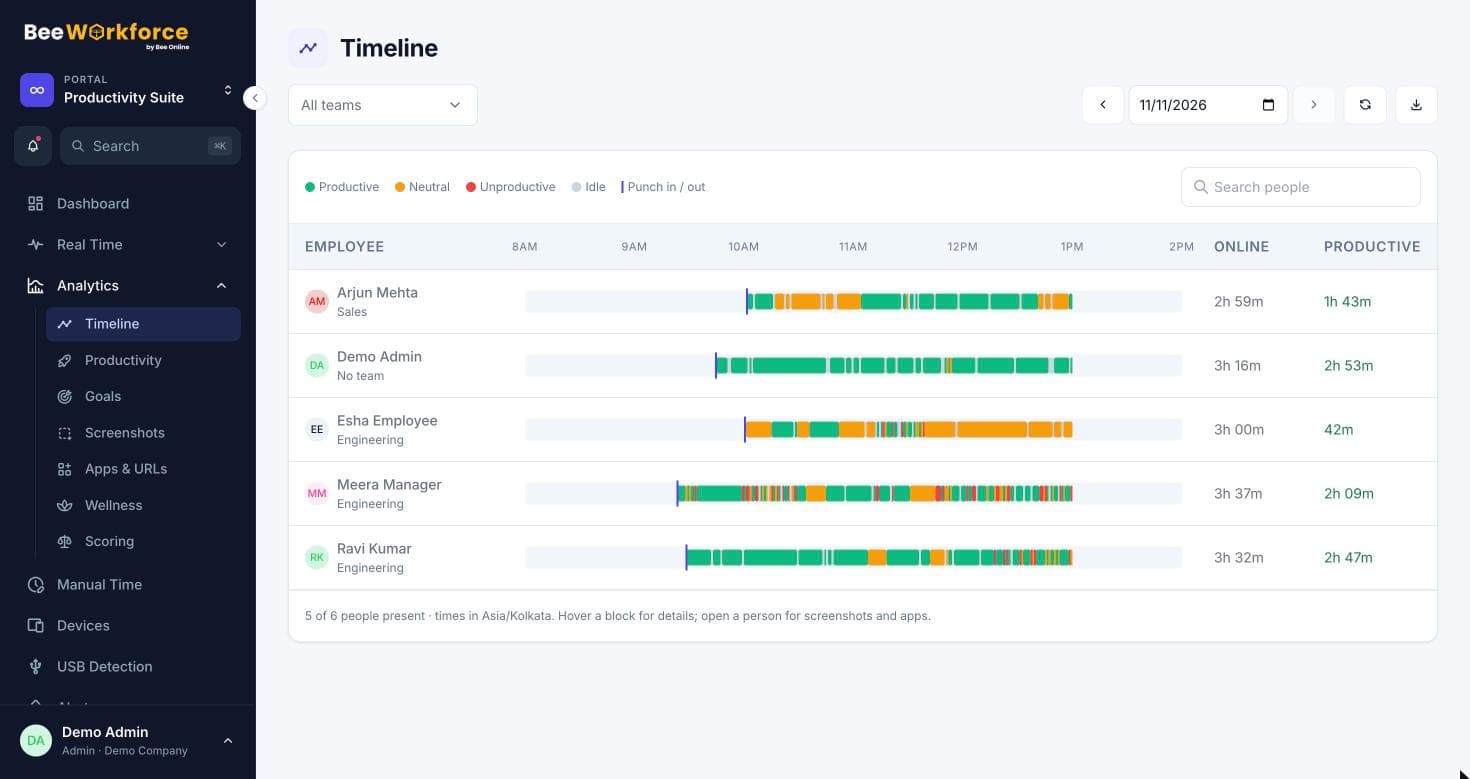
Employee activity log: an example and how to read it
An example of an employee activity log, what each column means, and how to read one fairly: active and idle time, apps, websites and productivity.
15 Nov 2026 · 6 min readSee BeeWorkforce with your own team
Book a 30-minute walkthrough. We'll set it up around how your team works and answer your questions.