
Is Clockify totally free? What the free plan covers
Is Clockify free? What its free plan includes, which features need a paid plan, and when a team needs attendance and monitoring in one tool instead.
 By Himanshu Verma, Head TechnologiesPublished 5 min read
Is Clockify totally free?
Clockify is not totally free. It has a free plan for basic time tracking, and paid plans for many team features. In November 2026, its pricing page listed unlimited tracking and projects on the free plan. The free plan also listed timesheets, a calendar, desktop and mobile apps, and idle detection. Reports on the free plan cover a shorter date range, and the page lists a user limit. Paid plans are called Basic, Standard, Pro and Enterprise. Time off, timesheet approval, and attendance and overtime are listed on Standard. Activity monitoring, scheduling and GPS tracking are listed on Pro. Single sign-on and an audit log are on Enterprise. Plans change, so check clockify.me/pricing before you decide. If you need attendance, leave and monitoring together, compare tools on those features. BeeWorkforce includes all of them. Every feature is free for 7 days for up to 10 users.
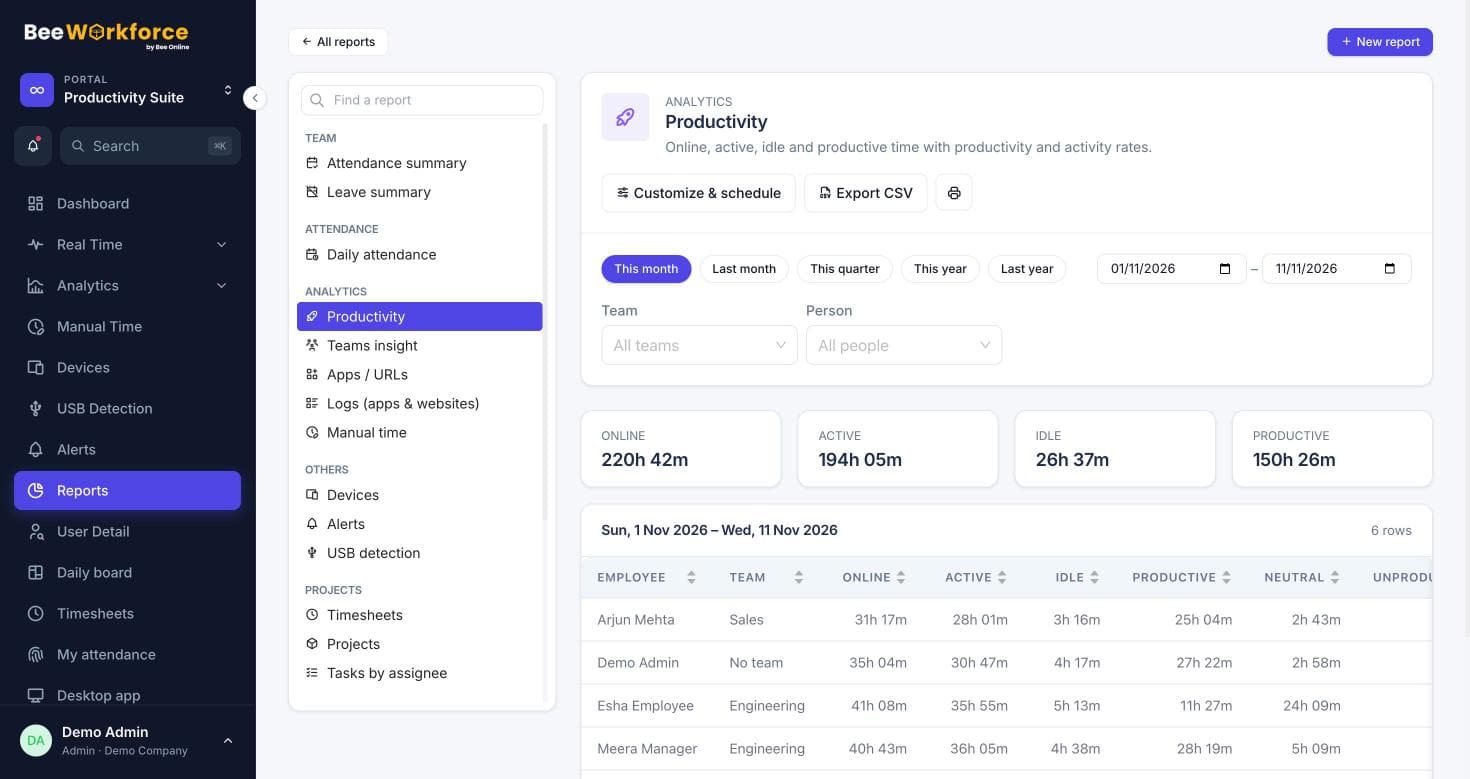
Clockify is a well-known time tracker, and many teams start with it because it has a free plan. But is it totally free? The short answer is no. Clockify offers a free plan for basic time tracking, and charges for many team and admin features. This article summarises what Clockify's own pricing page showed in November 2026. Prices and plans change, so check the source link below before you decide.
What the free plan includes
According to Clockify's pricing page, the free plan includes unlimited time tracking with a timer, timesheets and a calendar view. It also lists unlimited projects, organised by project, client, task and tag. Desktop and mobile apps, idle detection, reminders and basic reports are included. Reports on the free plan are limited to a shorter date range. The page also lists a limit on the number of users on the free plan.
What needs a paid plan
Clockify's paid plans are called Basic, Standard, Pro and Enterprise. Each tier adds features to the one below it. Some features that teams often need are only on paid plans:
| Feature | Clockify plan that lists it |
|---|---|
| Adding time for others, breaks, billable rates | Basic |
| Time off, timesheet approval, attendance and overtime | Standard |
| Activity monitoring, scheduling, GPS tracking, alerts | Pro |
| Single sign-on, audit log | Enterprise |
So a team that only needs individual timers may stay on the free plan. A company that needs leave, approvals, attendance or monitoring will usually need a paid plan.
When you need more than a time tracker
Time trackers like Clockify are built around timers and projects. Some teams need a different centre of gravity: attendance first. That means shifts, late marks, half days, leave balances and payroll exports, with activity tracking for remote staff. If that sounds like your team, compare tools on those features, not only on the timer.
What BeeWorkforce includes
- Punch in and out from the web, the desktop app or the Chrome extension.
- Shifts, grace periods, late marks, half days, leave and holidays, applied automatically.
- Active and idle time, apps and websites, recorded only while someone is punched in.
- Optional screenshots, live view, USB detection and location.
- Projects, tasks, timers and timesheets next to attendance.
- Payroll-ready exports and reports emailed on a schedule.
BeeWorkforce has no free-forever plan. Every feature is free for 7 days for up to 10 users, with no card needed, and plan prices are on our pricing page. Our Clockify alternative page compares the two in more detail.
The short answer
Clockify is free for basic time tracking, but not totally free. Time off, approvals, attendance, monitoring and admin controls are on its paid plans. Check its pricing page for the current details.
Sources: Clockify pricing (clockify.me)
Keep reading
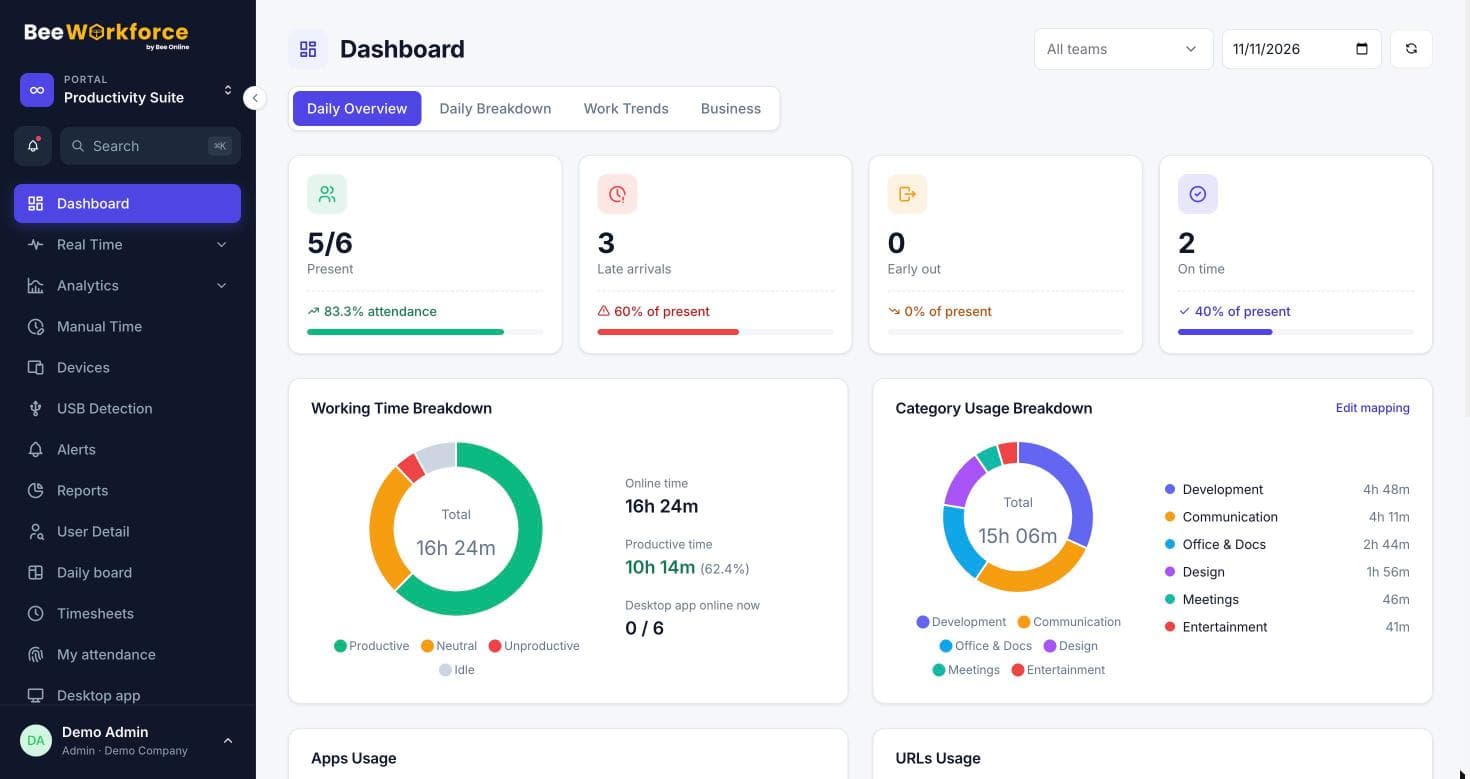
Top 10 employee monitoring software: how to compare them
The employee monitoring tools teams shortlist most often, and a practical way to compare them on tracking, privacy, attendance, reports and price.
15 Nov 2026 · 7 min read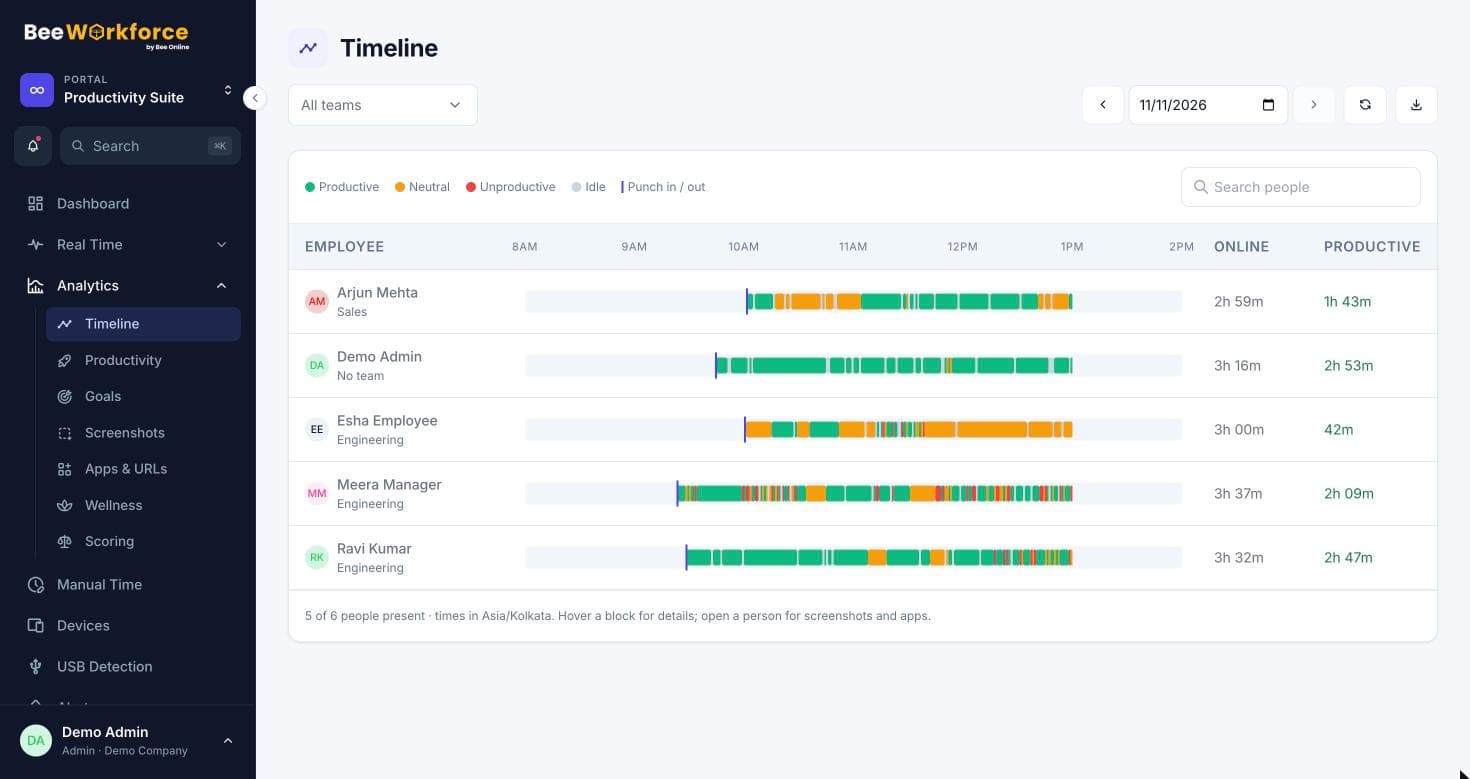
The 3-3-3, 7-8-9 and 5 P's time management rules, explained
What the 3-3-3 rule, the 7-8-9 rule and the 5 P's of time management mean, how to use each one at work, and how to tell if they are working.
15 Nov 2026 · 6 min read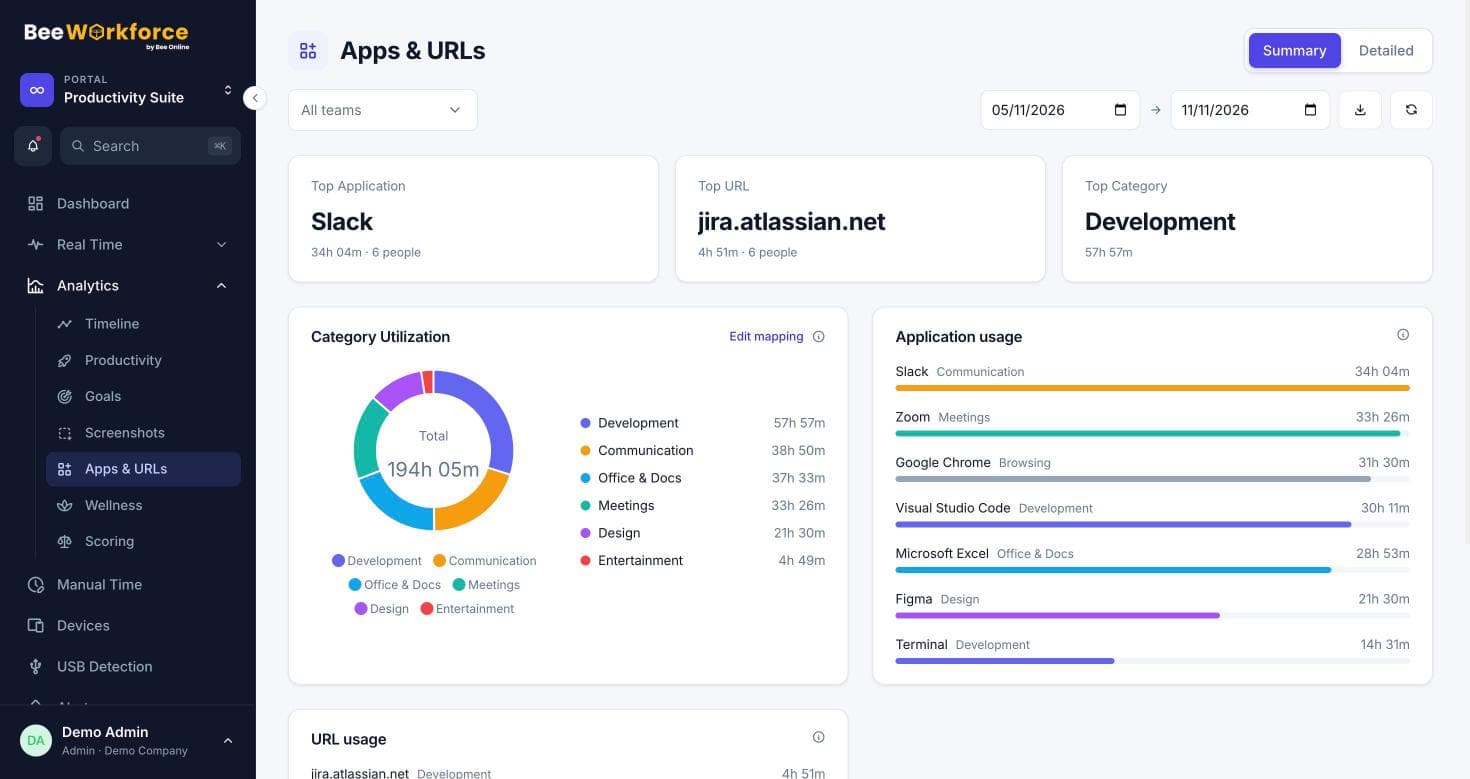
What is office productivity software? The features that matter
What office productivity software is, the main types, which productivity features matter most for a team, and how productivity tracking tools fit in.
15 Nov 2026 · 6 min readSee BeeWorkforce with your own team
Book a 30-minute walkthrough. We'll set it up around how your team works and answer your questions.